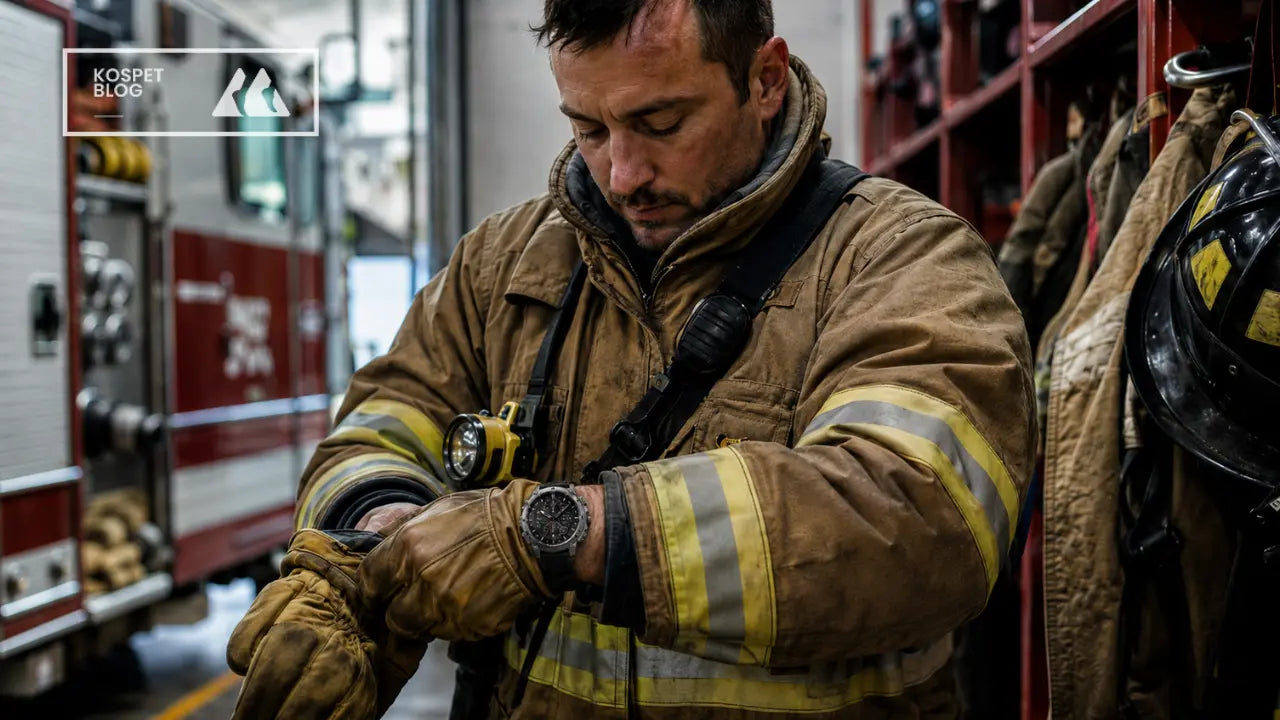

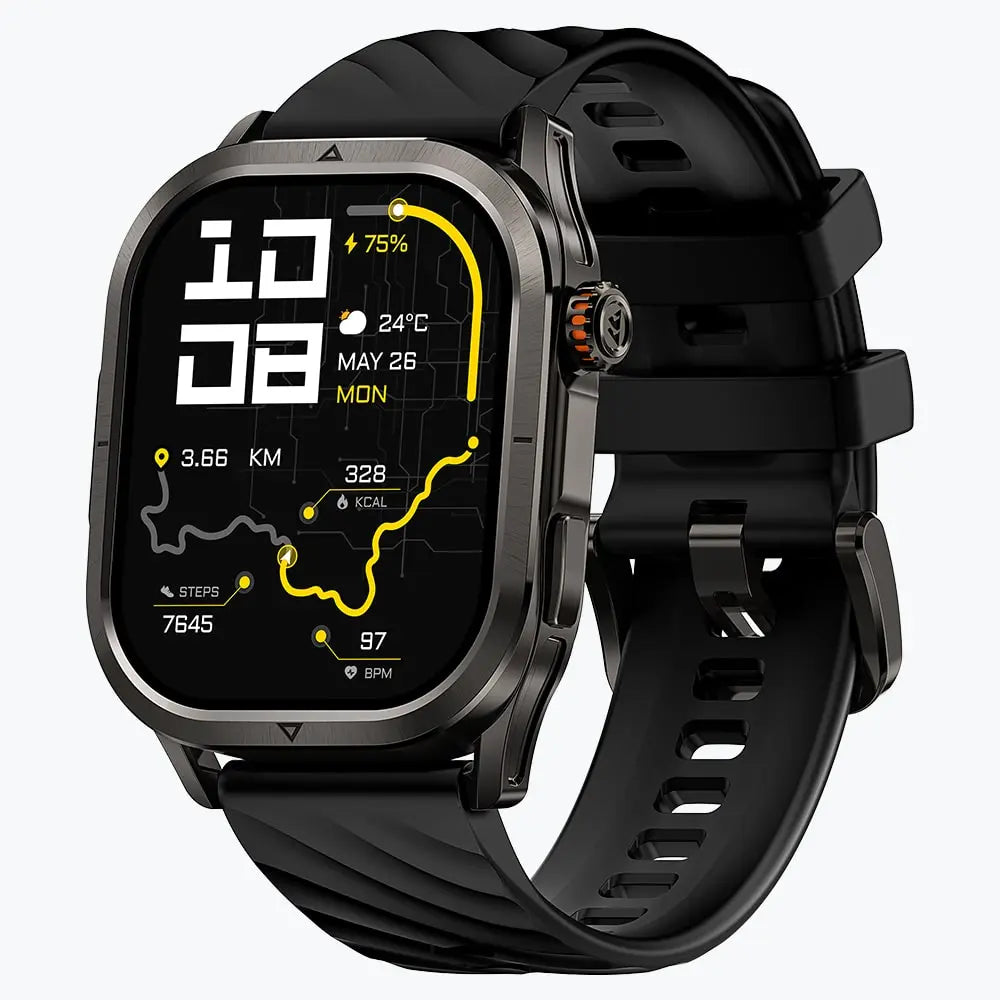


Yes. A smartwatch touchscreen usually responds to thin work gloves with conductive fingertips. Thick leather, insulated, impact-resistant, chemical, and electrical gloves usually require physical controls.
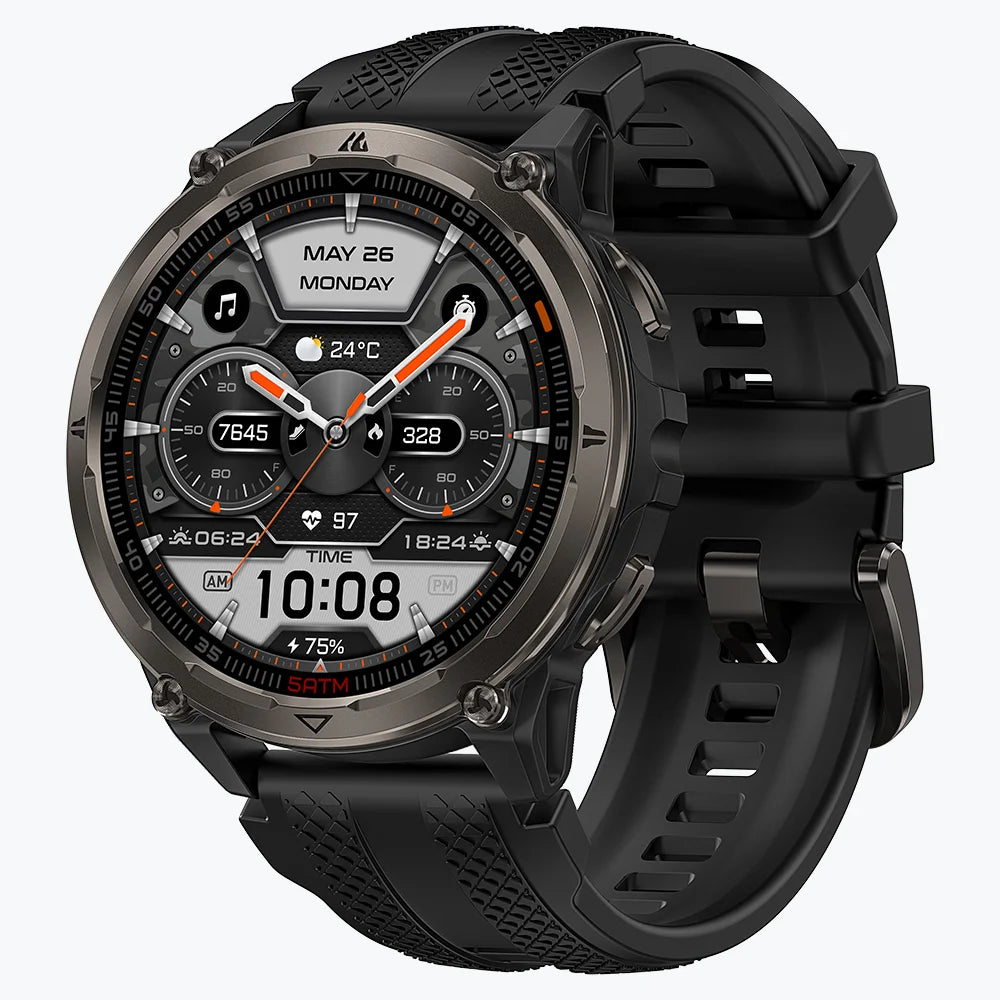
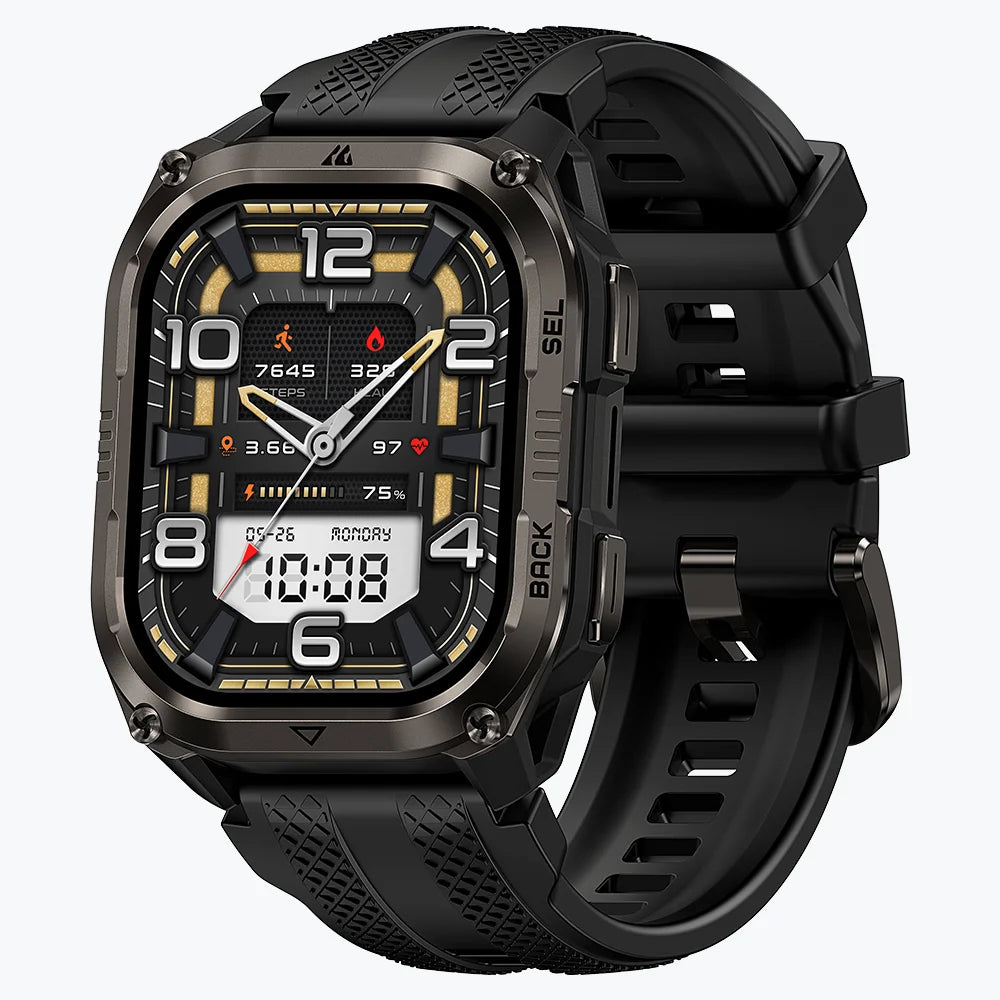
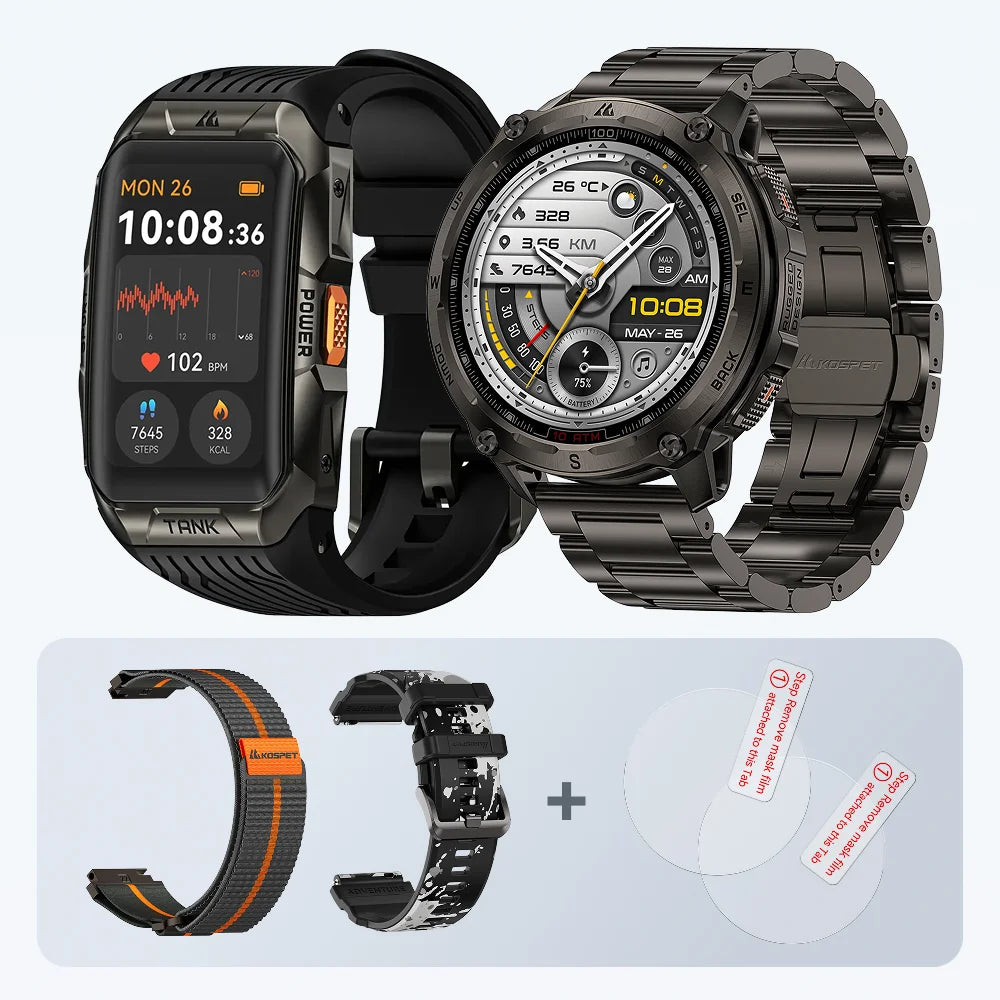
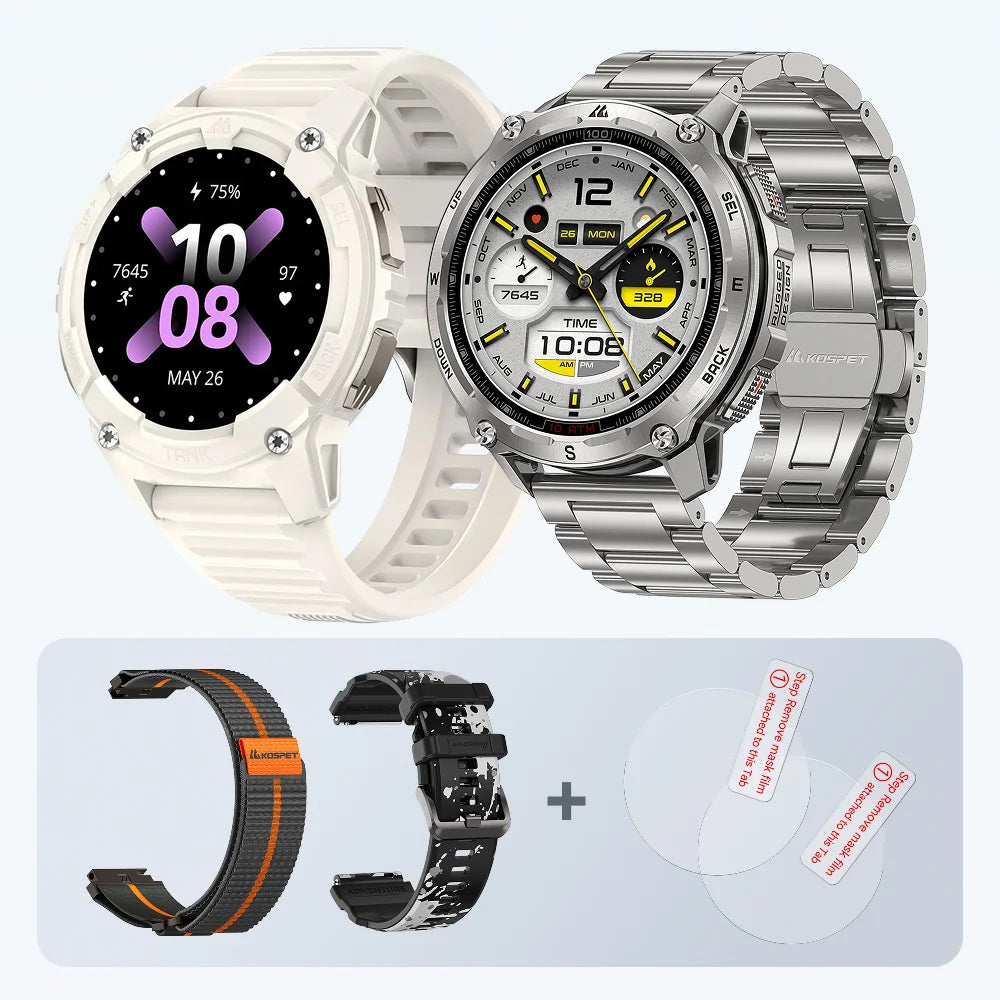
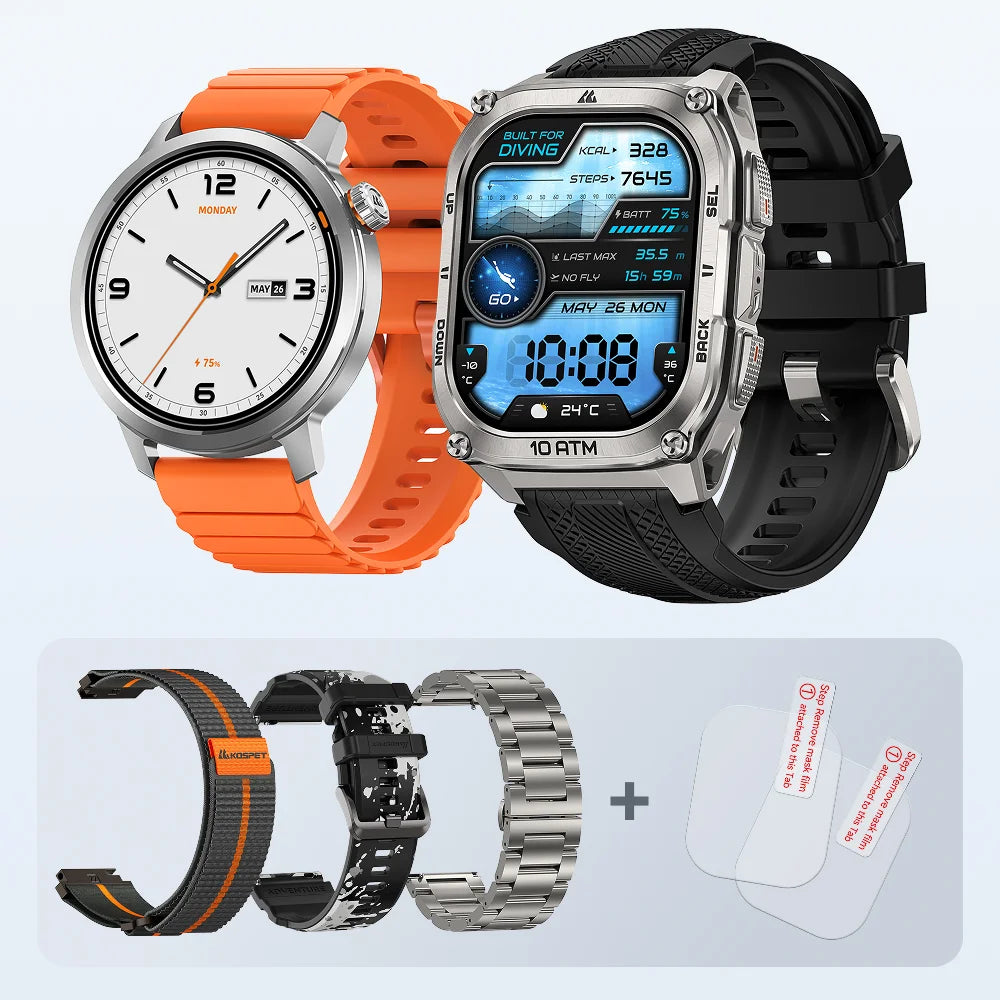
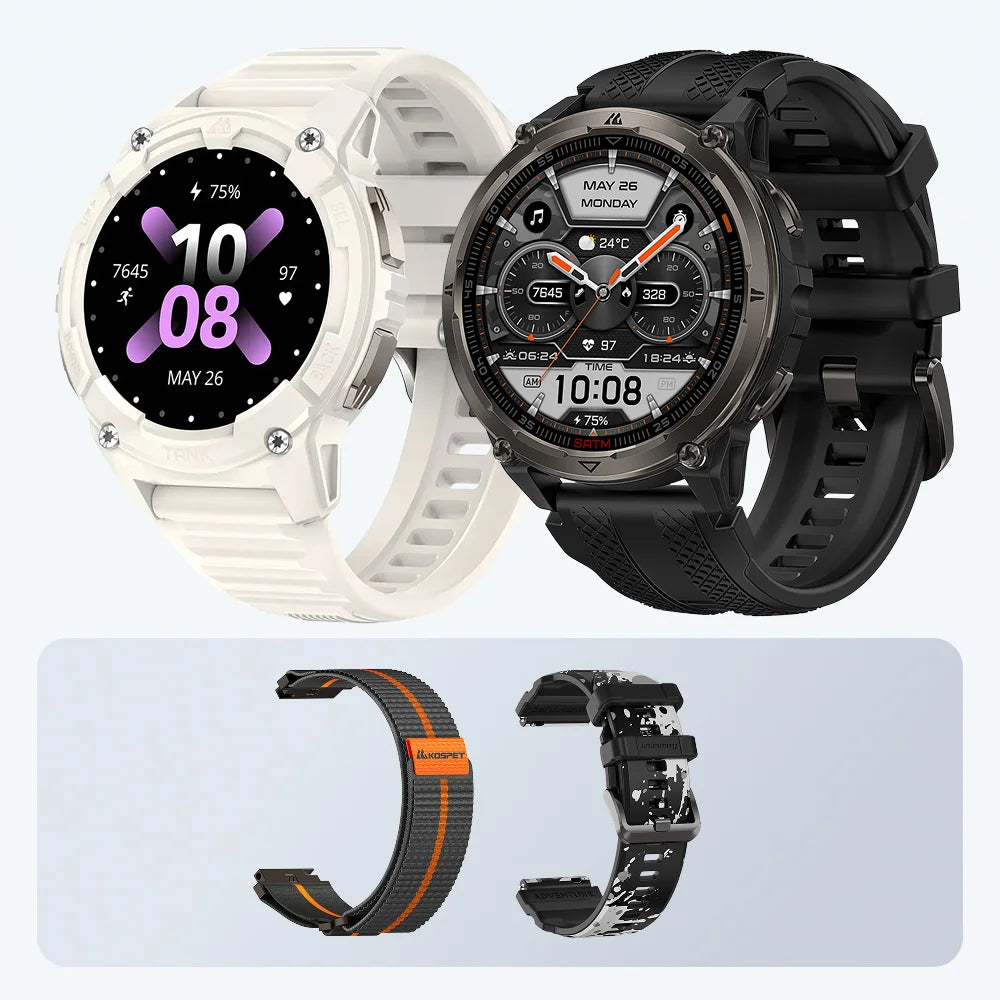
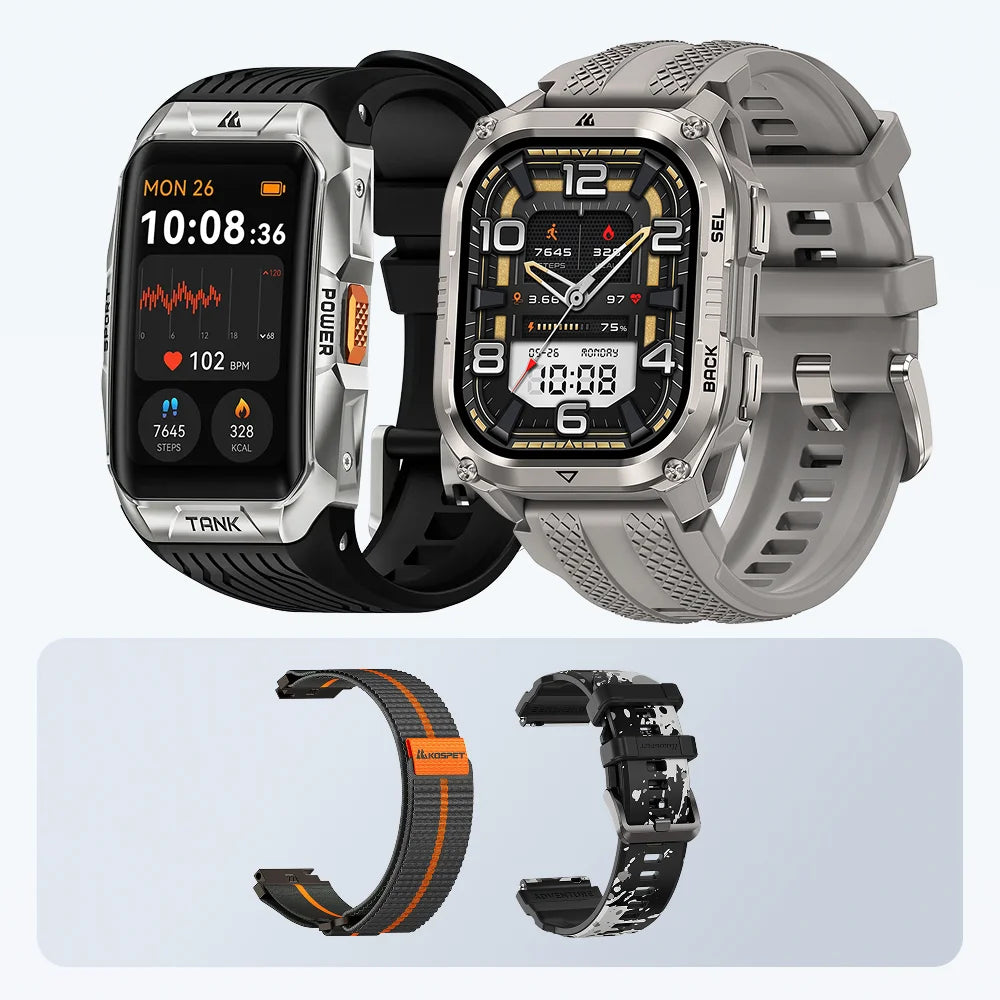
Garmin Instinct 3 provides documented button-only core navigation. The KOSPET Smartwatch combine four buttons with rugged work features but vary in verified button coverage, while Apple Watch Ultra 3 and Galaxy Watch8 Classic provide shortcuts and scrolling rather than complete touch-free control.

Which Smartwatches Can You Operate While Wearing Work Gloves?
Button count alone does not prove glove compatibility. The useful evidence shows what each control actually does and where the user still reaches a touchscreen.
| Smartwatch | Physical Controls | Published Control Evidence | Glove-Use Boundary | Suitable Scenario |
|---|---|---|---|---|
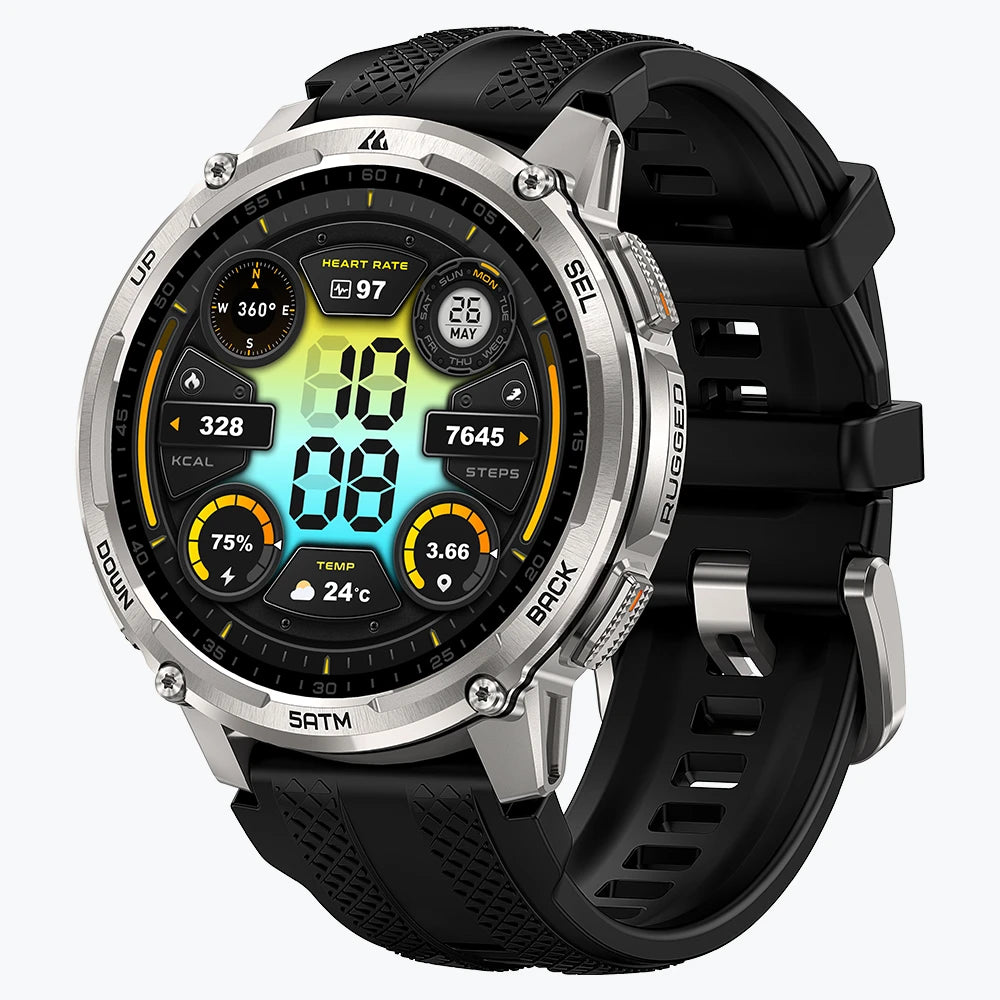
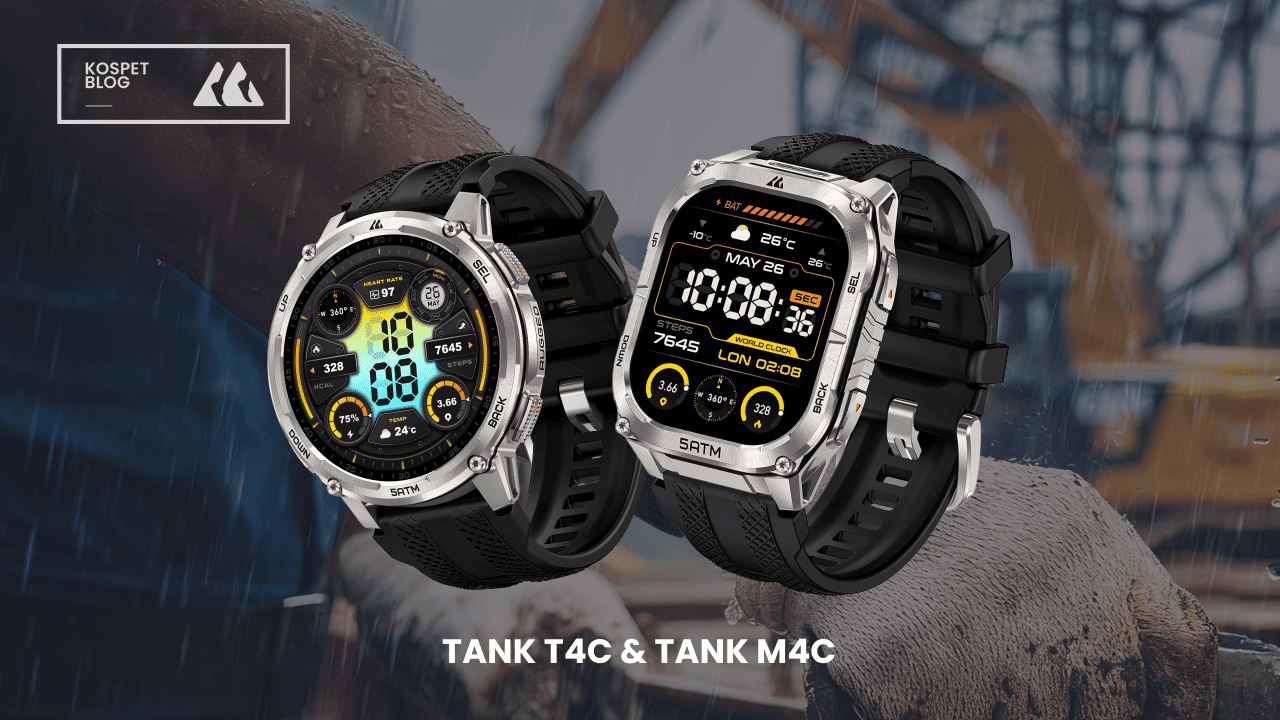
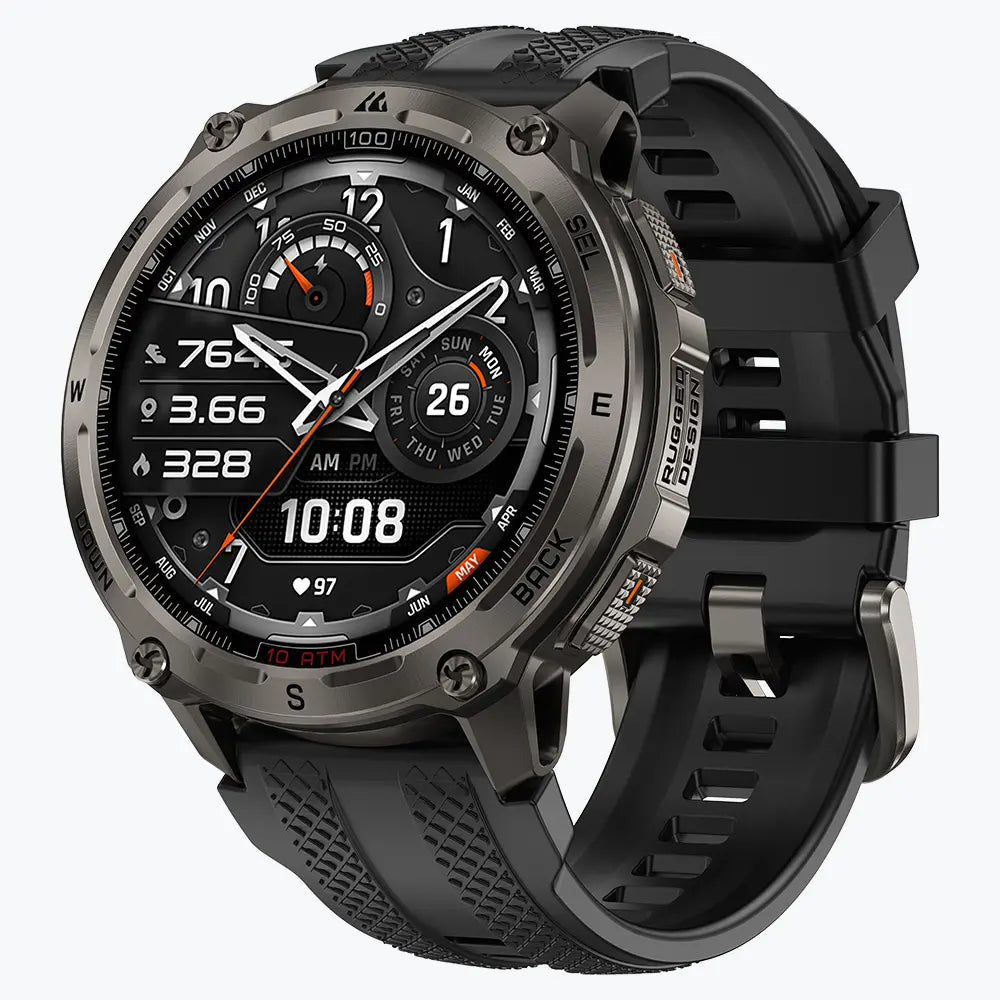
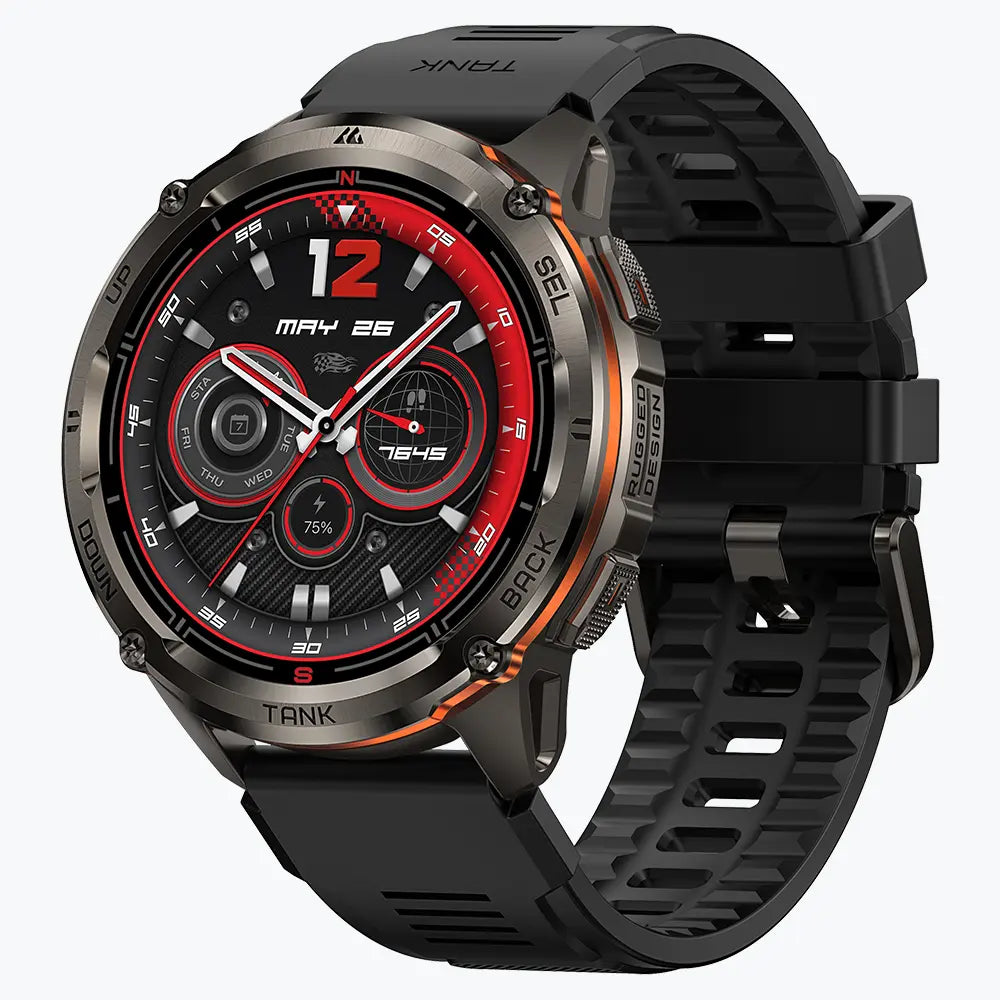
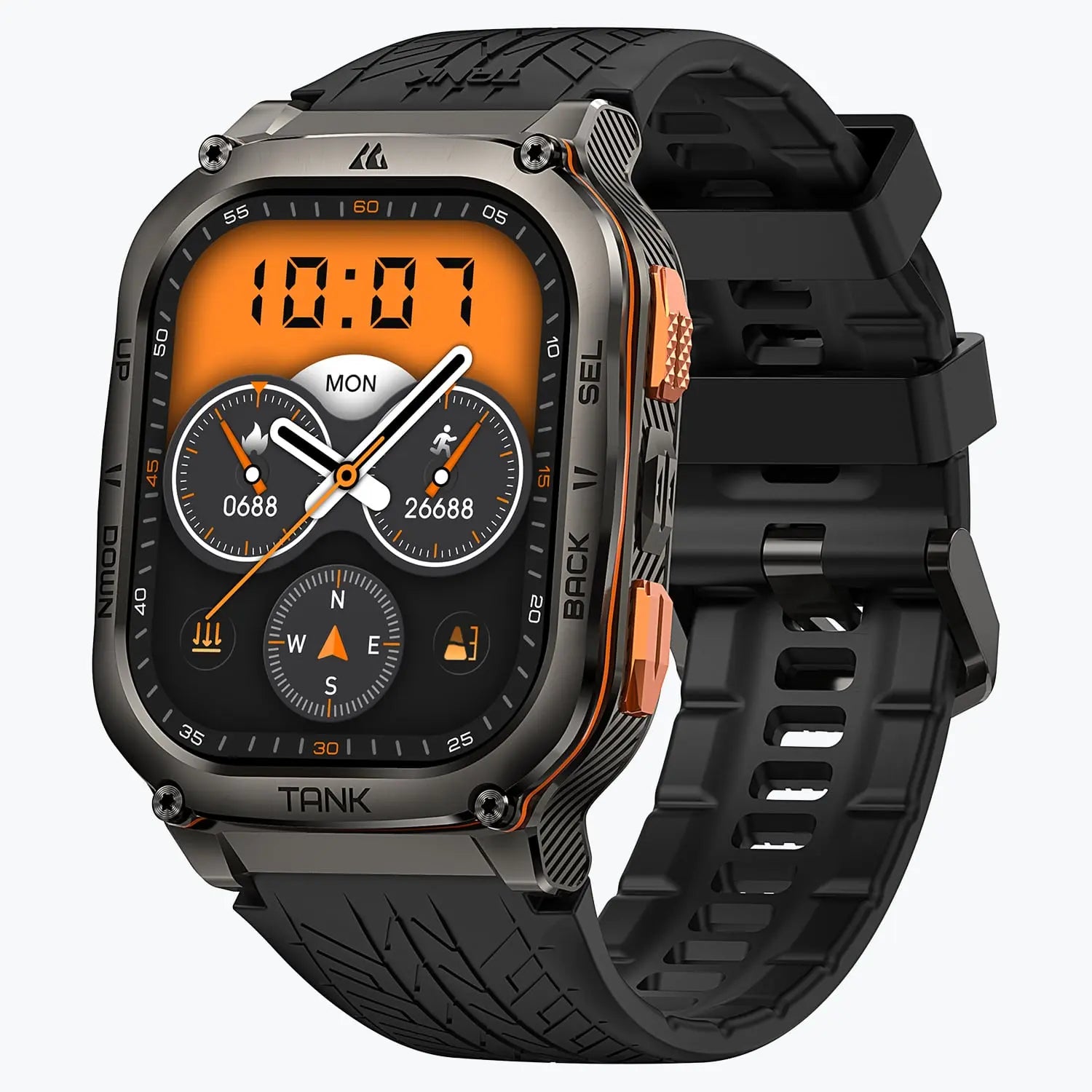
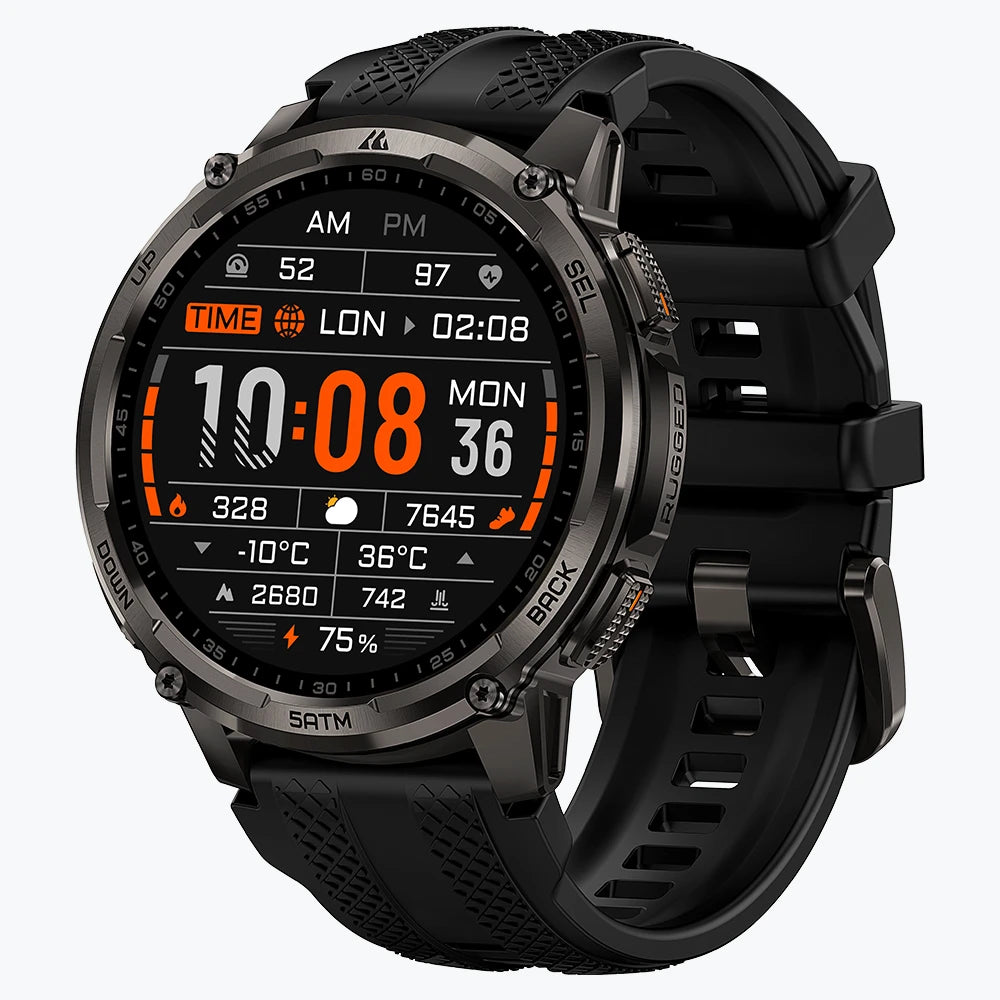
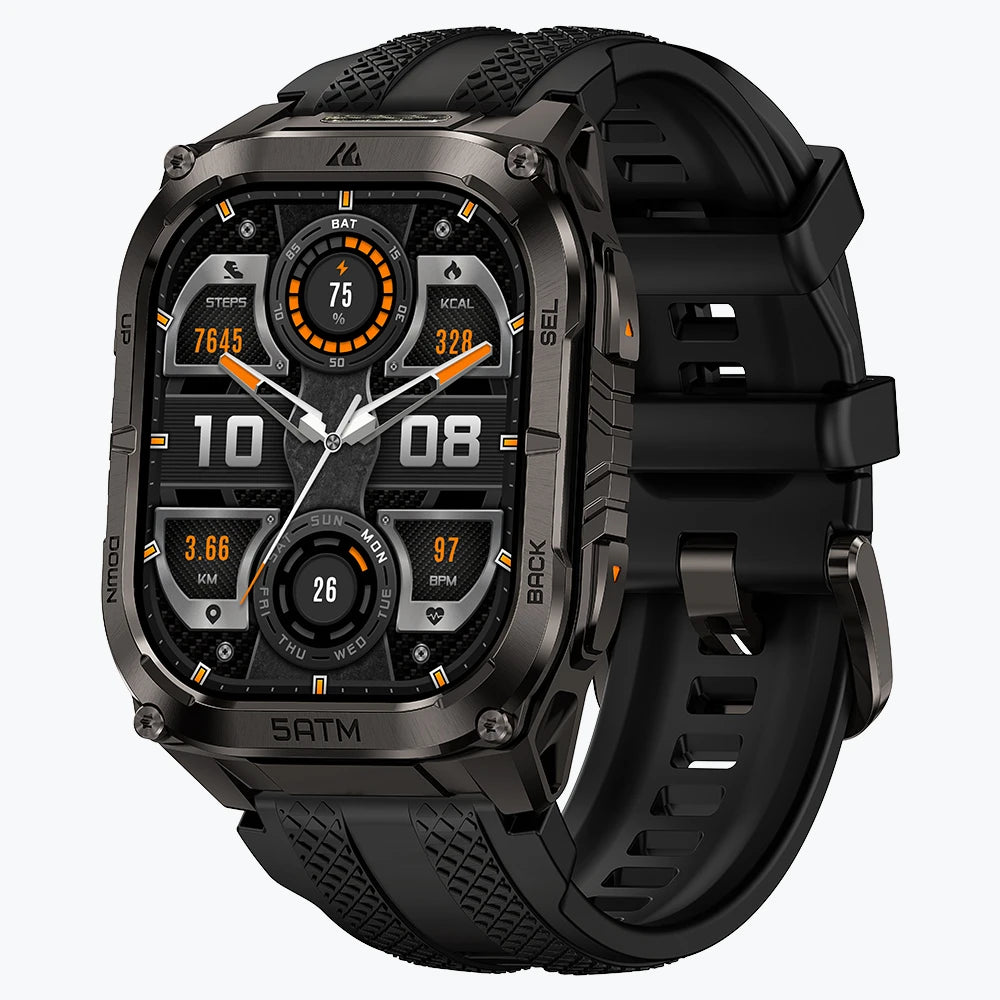
| KOSPET TANK T4C | Four buttons | The official specifications confirm four buttons alongside a five-level flashlight, Bluetooth calling, and walkie-talkie functions. | The published product page does not map a complete button-only path for opening, controlling, and exiting those functions. Treat it as hybrid control. | Compact round work watch with a jobsite flashlight and communication tools |
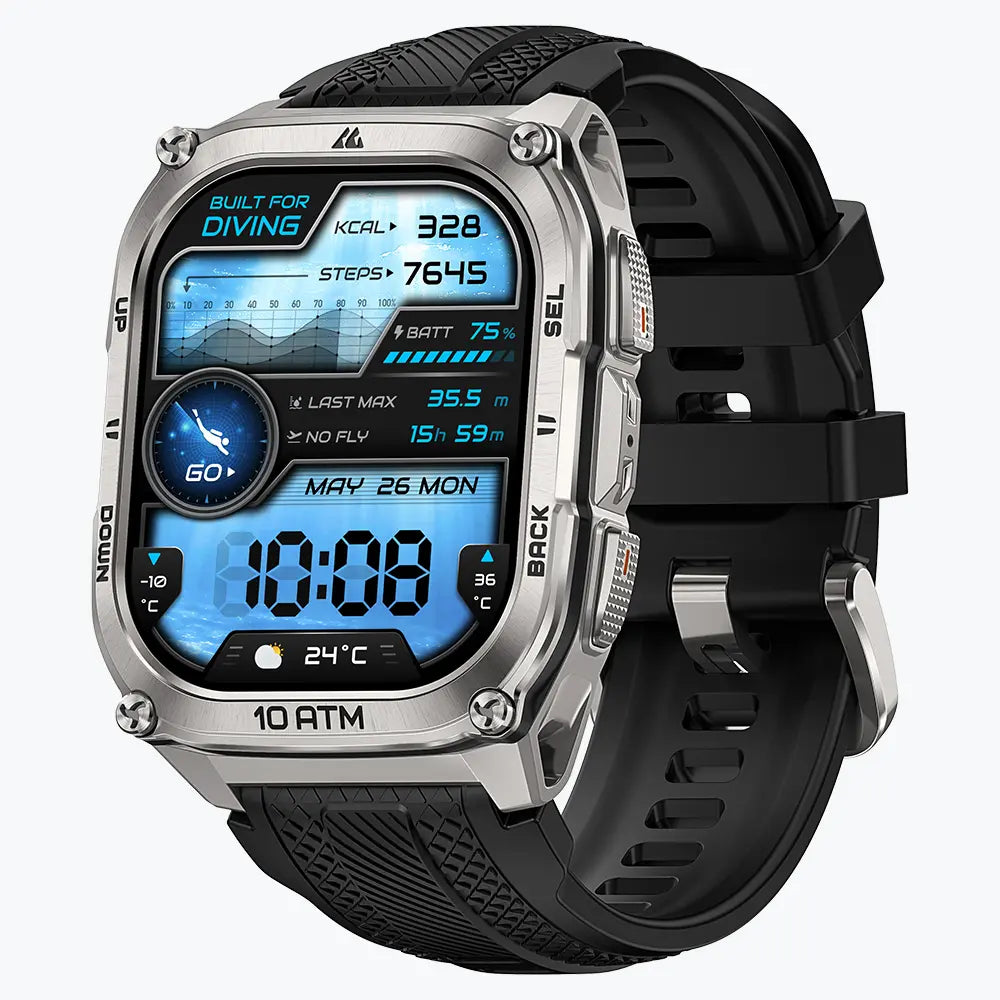
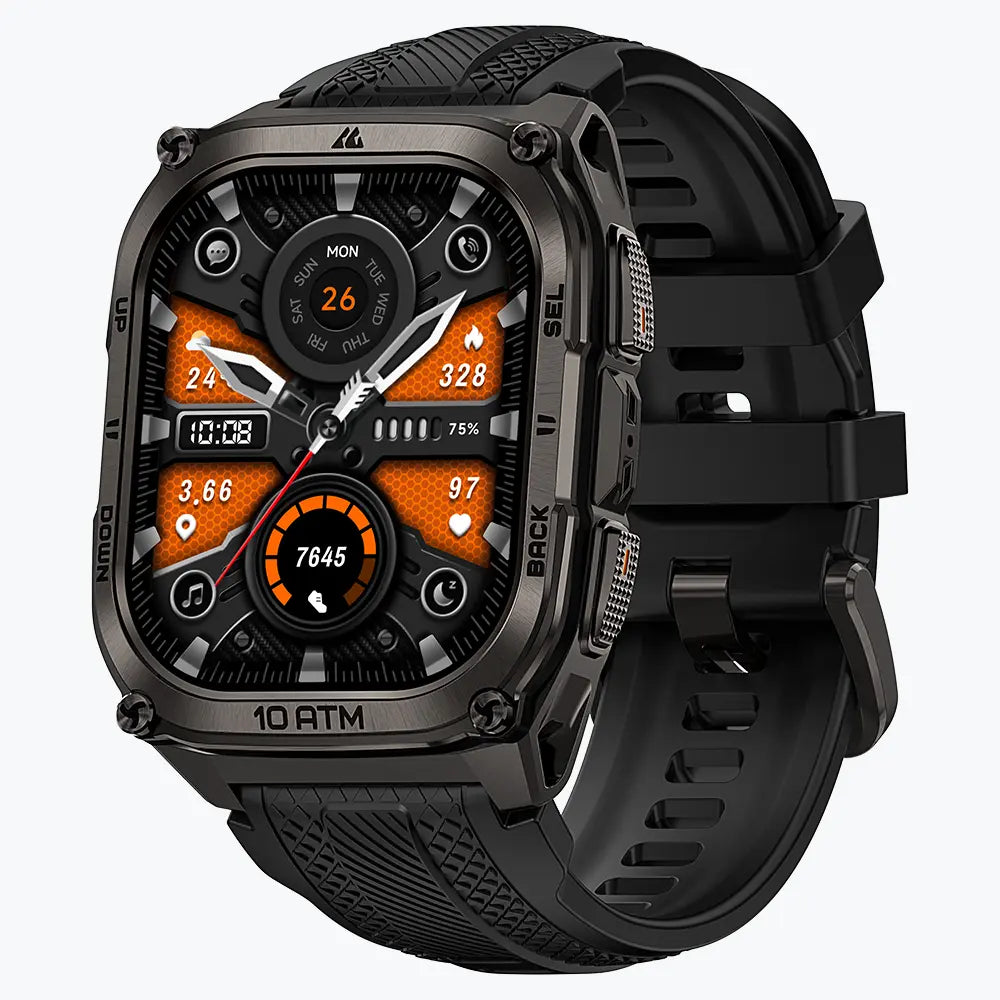
| KOSPET TANK M4C | Four buttons | The official specifications confirm four buttons, a 1.96-inch display, a flashlight, calling, and walkie-talkie functions. | Complete button-only control of calls, the flashlight, apps, and menus is not documented. Treat detailed operation as touch-dependent until the required path is confirmed. | Larger display for visible alerts and work communication |
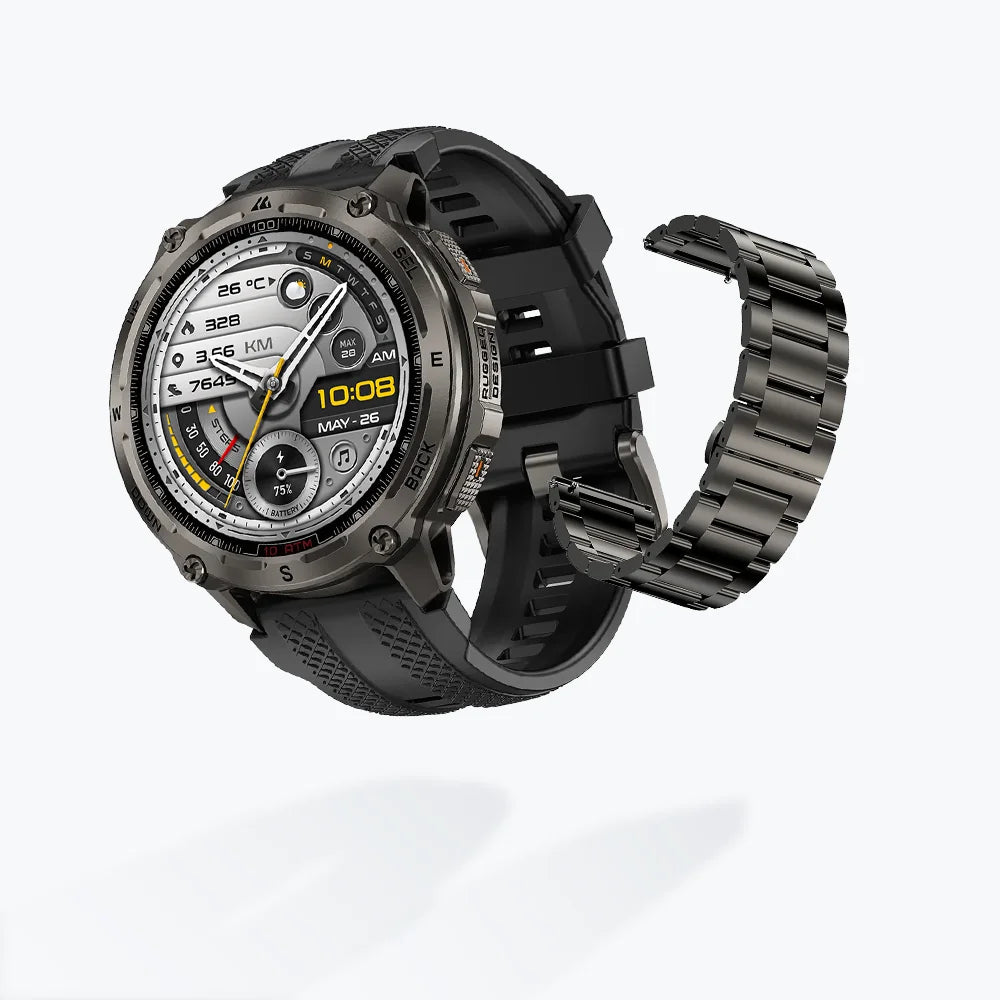
| KOSPET TANK T4 | Four buttons | Buttons open the map, change zoom levels, and provide a physical return path. | Touch remains faster for panning across maps and selecting detailed data. Complete navigation with touch disabled still requires verification. | Outdoor work requiring dual-band GPS and offline maps |
| Garmin Instinct 3 | Five buttons | UP and DOWN scroll, GPS selects and starts or stops activities, BACK returns to the previous screen, and LIGHT opens controls or the flashlight. | Core menus, notifications, activities, timers, and GPS tools have a complete physical path. Rich on-watch typing and app interaction remain limited. | Thick, nonconductive gloves and dependable touch-free navigation |
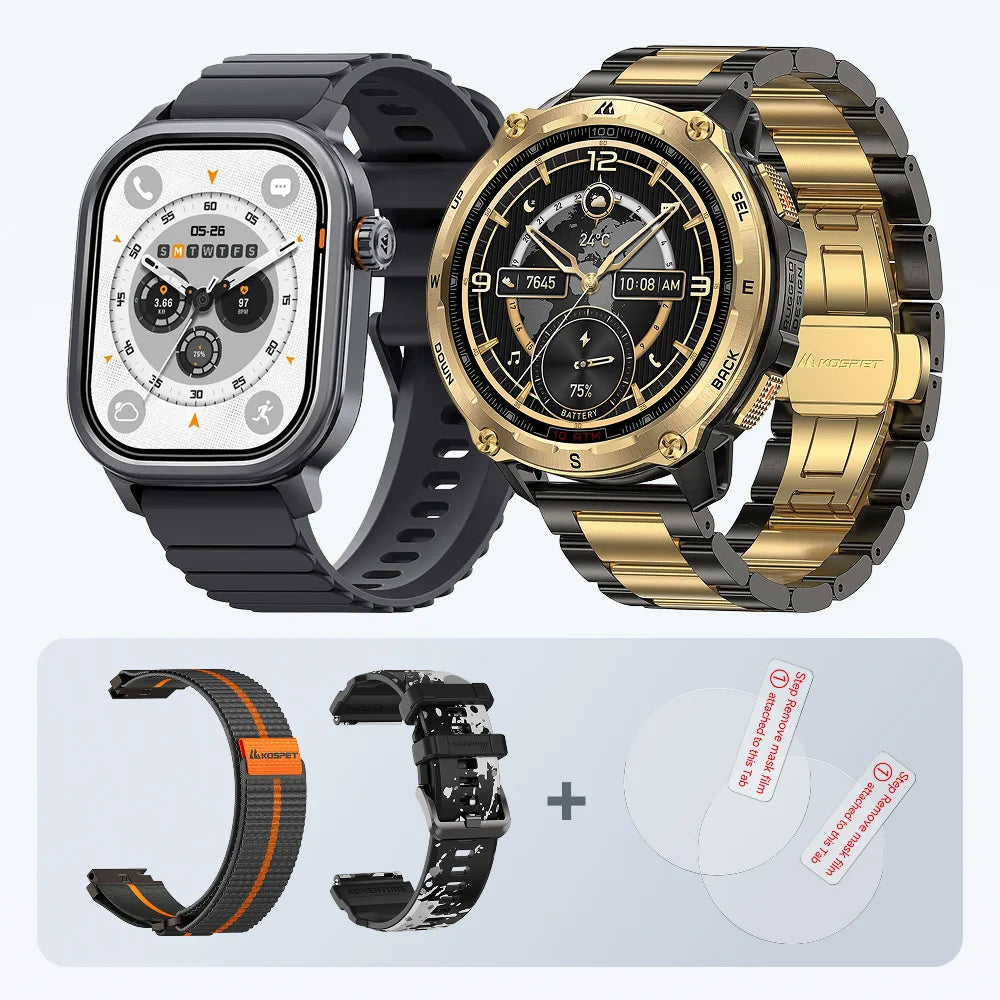
| Apple Watch Ultra 3 | Action button, Digital Crown, side button, gestures, and Siri | The crown scrolls and zooms; its press returns home or opens apps. The Action button launches one assigned function, the side button opens Control Center, and double tap performs supported primary actions. | Selecting many onscreen items, confirming app actions, and entering text still require touch. Gestures and Siri cover selected tasks rather than the whole interface. | iPhone users prioritizing calls, apps, voice control, and configurable shortcuts |
| Samsung Galaxy Watch8 Classic | Rotating bezel plus Quick, Home, and Back buttons | The bezel scrolls through screens and items, adjusts values, and answers or rejects calls. The buttons return home, go back, show recent apps, or launch a chosen function. | Opening highlighted items and entering text often require a screen tap. Touch sensitivity supports compatible gloves but does not turn thick nonconductive gloves into reliable touch inputs. | Android users wearing thin conductive gloves and wanting calls and apps |
Complete touch-free core navigation: Garmin Instinct 3 has the clearest documented control path for thick or nonconductive gloves.
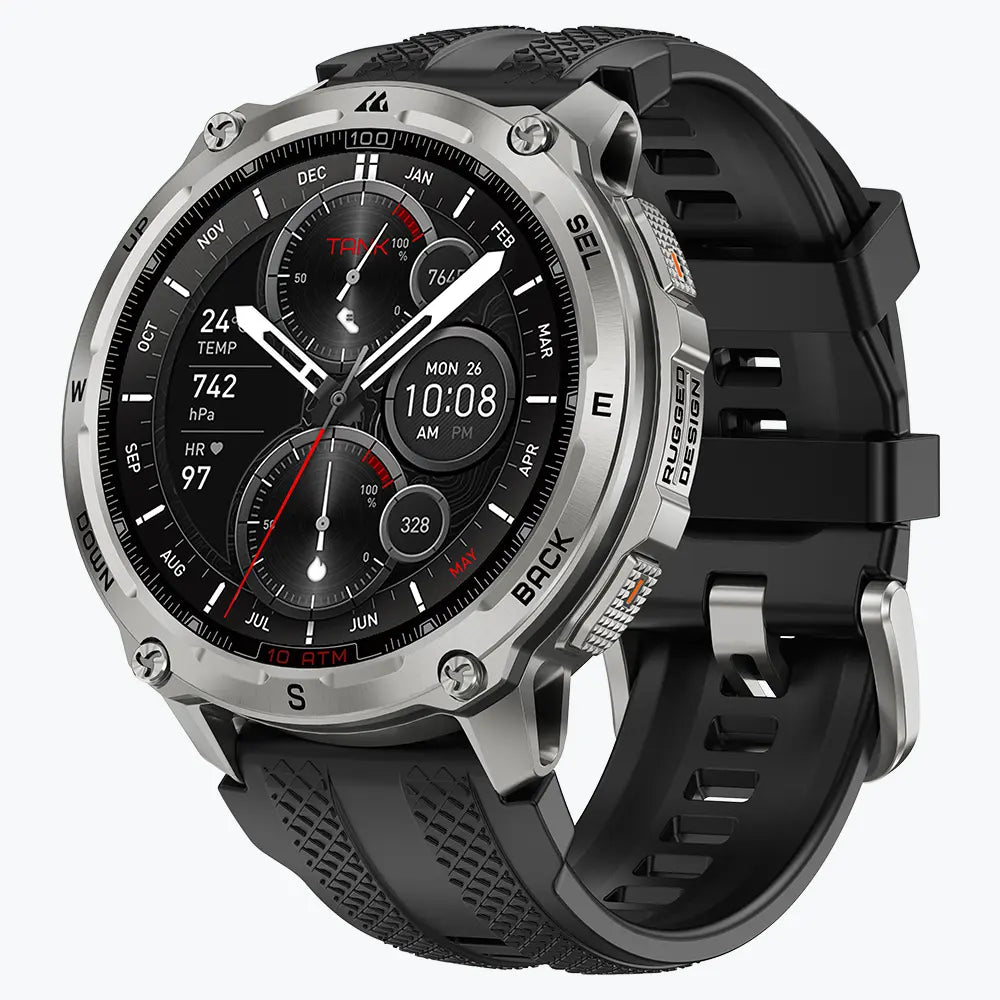
KOSPET TANK T4 Smartwatch
$209.99 USD
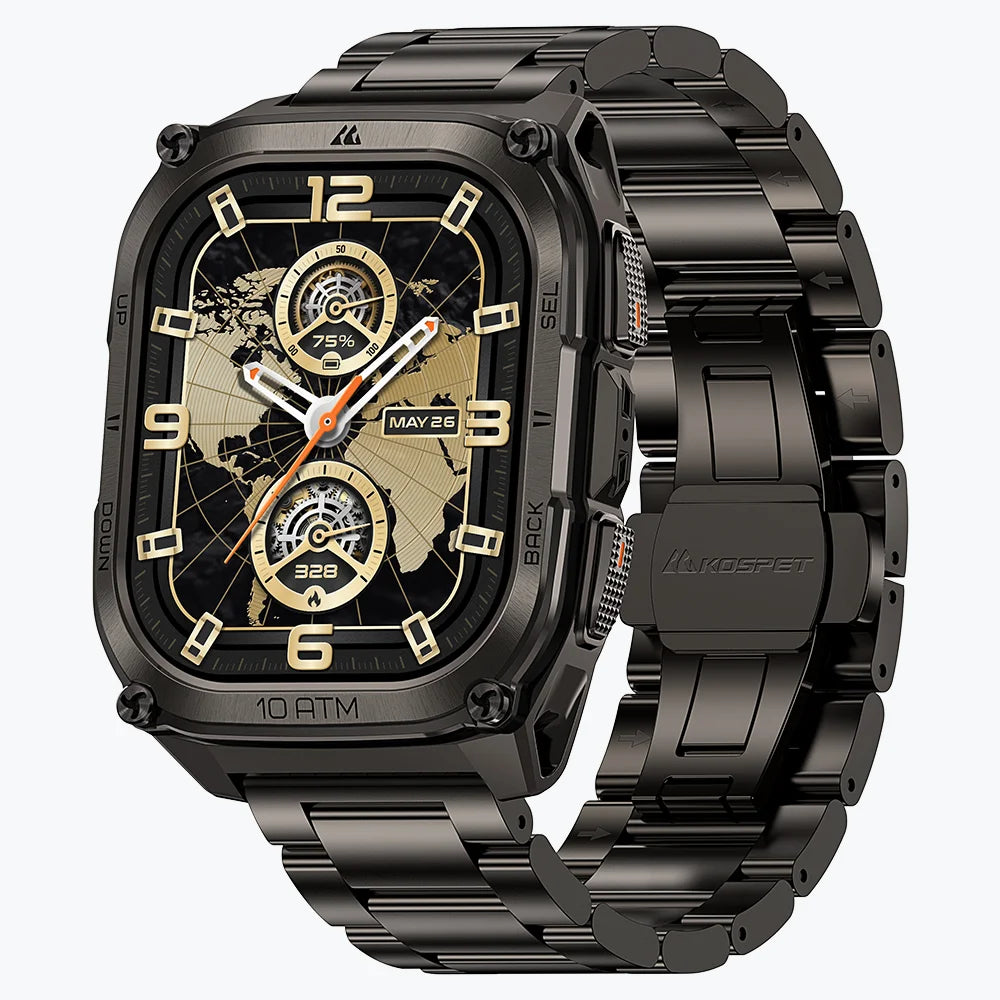
Rugged smartwatch with hybrid control: KOSPET TANK T4C, TANK M4C, and TANK T4 add jobsite tools, long battery life, or offline maps, but their glove suitability depends on the exact task rather than the presence of four buttons.
App-first partial control: Apple Watch Ultra 3 and Galaxy Watch8 Classic simplify scrolling, calls, shortcuts, and voice commands, while many selections still use touch.
Can a Smartwatch Touchscreen Work Through Work Gloves?
Most smartwatches use capacitive touchscreens. Skin transfers a small electrical charge and allows the screen to locate a touch. Ordinary work gloves interrupt that transfer and prevent detection.
Touchscreen-compatible gloves add conductive material to the fingertips and restore the electrical connection. Conductivity, fit, and fingertip shape all affect touchscreen control.
Even conductive fingertips deliver less precision than bare skin. A broad glove tip often misses a PIN pad, keyboard, edge swipe, or small menu item on a watch-sized display.
Work Gloves That Usually Operate the Touchscreen
The following conditions produce the most reliable touch control:
- • The thumb or index finger contains conductive fibers.
- • The glove fits closely around the fingertip.
- • The fingertip is thin enough to make a precise contact point.
- • The glove and screen are clean and dry.
- • The watch interface uses large touch targets and simple swipes.
Thin assembly, warehouse, and mechanic’s gloves with conductive fingertips often handle simple actions such as checking a notification or tapping a timer. Their input remains slower and less precise than a bare finger.
Work Gloves That Usually Block the Touchscreen
Leather, insulated winter, impact-resistant, electrical, and chemical-protection gloves are less likely to work because their fingertips are thick and nonconductive. Pressing harder does not normally help because a capacitive screen detects an electrical change rather than pressure.
Some cut-resistant and waterproof gloves include conductive fingertips, but performance depends on the fit and position of the conductive patch. Electrical and other safety-rated gloves must remain unmodified because touchscreen alterations risk compromising their protective function.
How Moisture, Dirt, and Glove Thickness Affect Accuracy
A loose or bulky fingertip creates a larger contact area and makes small icons difficult to select. Water, oil, metal dust, and dirt often produce missed taps, unintended swipes, or false inputs.
Samsung provides a Touch sensitivity setting for glove use on supported Galaxy watches, but the setting does not overcome a thick nonconductive fingertip. Water resistance protects a watch within its rated conditions; it does not guarantee reliable operation on a wet touchscreen.
| Work Glove Type | Likely Touchscreen Response | Practical Reliability |
|---|---|---|
| Conductive touchscreen work gloves | Usually responds | Medium to high |
| Thin fabric or assembly gloves | Depends on fingertip material | Low to medium |
| Leather work gloves | Usually does not respond | Low |
| Cut-resistant gloves | Glove-dependent | Low to medium |
| Insulated winter gloves | Usually does not respond | Very low |
| Waterproof or chemical-resistant gloves | Usually does not respond | Very low |
| Electrical insulating gloves | Not expected to respond | Very low |
How Can You Operate a Smartwatch Without Removing Your Work Gloves?
Thick gloves make physical controls the main input method. Reliable glove use depends on the actions each control completes, not the number of buttons printed in a specification list.
Physical Buttons
A four- or five-button layout provides separate controls for moving up, moving down, selecting, going back, and opening a menu. A layout covering all five actions supports core interface navigation without screen contact.
One or two buttons provide less control. They typically wake the watch, return home, open recent apps, or launch an assigned function without creating a complete route through every menu. Raised, widely separated controls are easier to locate through thick gloves than small, flush buttons.
Rotating Crowns and Bezels
A physical crown or bezel is useful for scrolling through lists, notifications, apps, and workout screens. It is usually easier than swiping a small screen with a gloved finger.
Scrolling does not necessarily include selection. Some watches still require a screen tap to open the highlighted item. Small or recessed crowns are also difficult to grip with heavily padded gloves.
Voice Control, Gestures, and Shortcuts
Supported voice control sets a timer, calls a contact, opens an app, or creates a reminder without screen contact. Reliability drops around machinery, wind, hearing protection, or nearby conversations. Some commands also require a paired phone or internet connection.
A configured programmable button launches a repeated task such as a flashlight, workout, timer, waypoint, or emergency feature. Supported gestures answer calls or activate an onscreen action. These controls are efficient for specific tasks, but they do not automatically provide full menu navigation.
| Control Method | Main Advantage | Main Limitation |
|---|---|---|
| Conductive touchscreen gloves | Access to the complete touch interface | Accuracy depends on glove fit and conditions |
| Multi-button navigation | Reliable physical control | Requires movement, selection, and return controls |
| Crown or rotating bezel | Fast scrolling | Selection often still requires touch |
| Voice control | Hands-free commands | Noise and connectivity reduce reliability |
| Programmable shortcut | Fast access to one repeated task | Does not replace menu navigation |
What Can You Actually Do With a Smartwatch While Wearing Work Gloves?
“Glove-compatible” covers a wide range of functions, from reading the time to controlling the entire watch. The table below separates the common tasks.
| Task | Control Needed | What to Verify |
|---|---|---|
| View time and alerts | Raise-to-wake, always-on display, or vibration | Often requires no manual input |
| Open and scroll notifications | Buttons, crown, bezel, or conductive touch | Viewing a message does not include replying |
| Start a timer, workout, or flashlight | Dedicated or programmable shortcut | Confirm that pause, stop, and exit also work |
| Answer a call | Supported button, gesture, or voice control, plus a speaker and microphone | Some watches only reject or dismiss calls |
| Navigate apps and settings | Up, down, select, back, and menu controls | Crowns often scroll without selecting |
| Reply to a message | Preset reply, dictation, or touchscreen keyboard | Typing is the least glove-friendly task |
Thick gloves require dedicated movement, selection, and return buttons for complete control. Thin conductive gloves provide broader app access on a hybrid watch, but accuracy remains lower than with a bare finger.
How to Choose a Smartwatch for Your Work Gloves
Use this checklist instead of selecting a watch from button count alone:
1. Identify the glove material. Conductive fingertips support touchscreen use. Thick leather, insulation, impact padding, waterproof membranes, and electrical protection shift the priority to physical controls.
2. Define the essential glove-on task. Reading an alert, answering a call, starting a timer, activating a flashlight, and navigating a full menu require different control paths.
3. Trace the complete action. Reliable control covers opening the feature, moving through options, selecting, confirming, stopping, and returning to the watch face.
4. Inspect button size and spacing. Raised, separated buttons are easier to locate through padded gloves than small, flush controls.
5. Match the controls to the work environment. Machinery and wind reduce voice-command accuracy. Water, oil, and dust reduce touchscreen accuracy. A physical shortcut remains more dependable for a repeated jobsite function.
6. Protect the glove’s safety rating. Electrical, chemical, cut-resistant, and other certified gloves must remain unmodified.
Before buying, put on the exact gloves used at work and test one complete task:
- Open the required notification, app, timer, or tool.
- Scroll to and select the necessary option.
- Pause, confirm, or change it.
- Exit and return to the watch face.
A required action ending in an unresponsive screen tap counts as partial glove control. Complete glove control covers every step from opening the feature to returning to the watch face.
FAQs
Does a Four-Button Smartwatch Guarantee Full Glove Control?
No. Four buttons only confirm the presence of four physical inputs. Complete glove control requires documented controls for scrolling, selecting, confirming, returning, and exiting. A touchscreen-dependent step makes the watch a hybrid-control model.
Can Touch Sensitivity Make Thick Leather Gloves Work?
Touch sensitivity improves screen response with thin conductive fingertips. Thick leather, insulated, impact-resistant, and electrical gloves block the required electrical transfer, so the setting does not create reliable touch input.
Can You Answer a Smartwatch Call Without Touching the Screen?
A documented answer button, bezel gesture, hand gesture, or voice command supports touch-free call answering. The watch also needs a built-in speaker and microphone. A watch that only displays incoming calls cannot complete the task.
Can You Use Smartwatch Maps While Wearing Thick Work Gloves?
Physical buttons support map opening and zooming on models with documented button mapping. Panning, selecting waypoints, and inspecting detailed routes often require touch. KOSPET TANK T4 provides button-assisted map control rather than confirmed complete touch-free map navigation.