
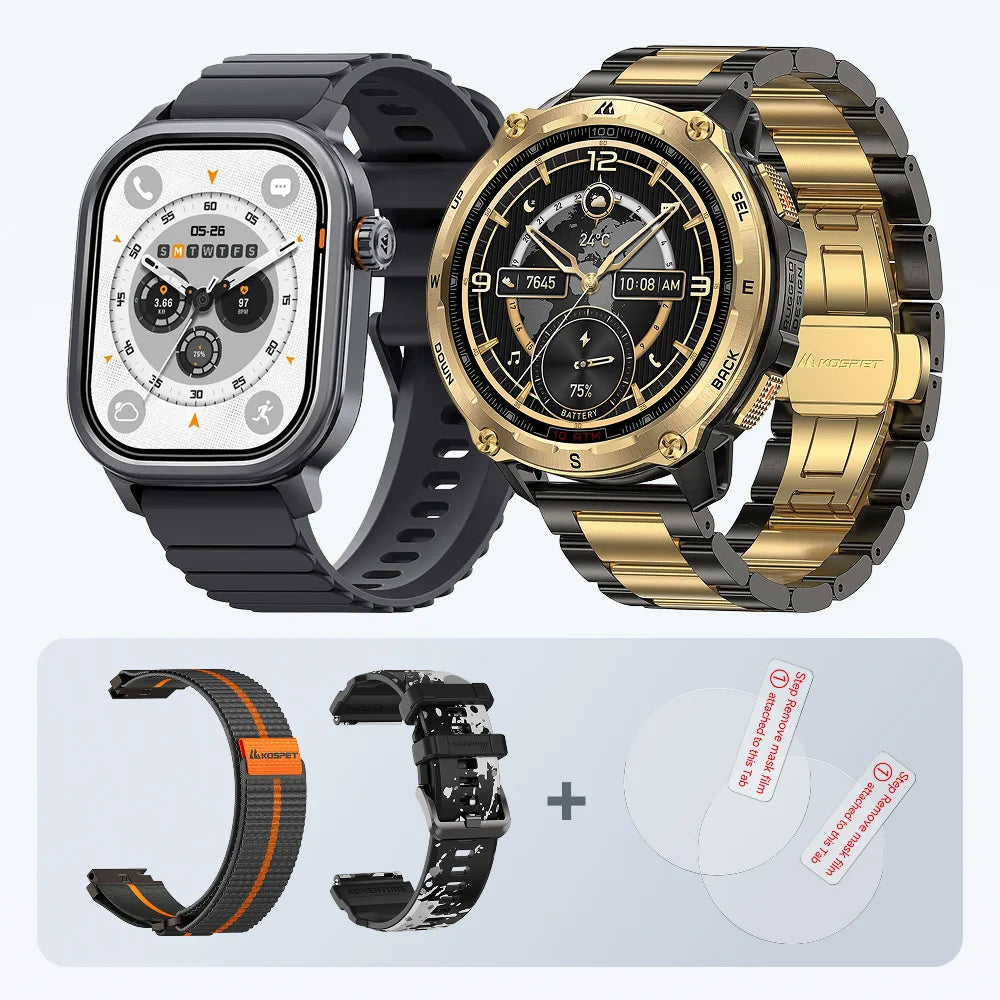
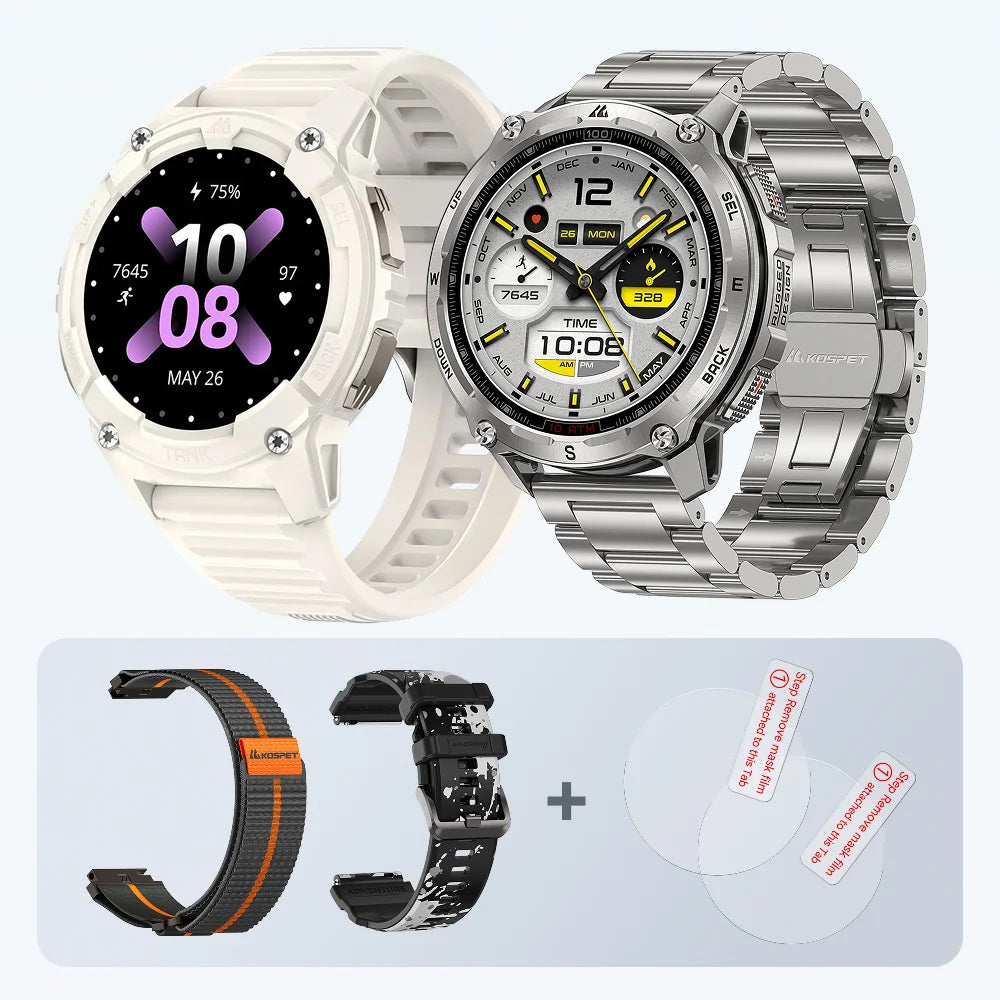
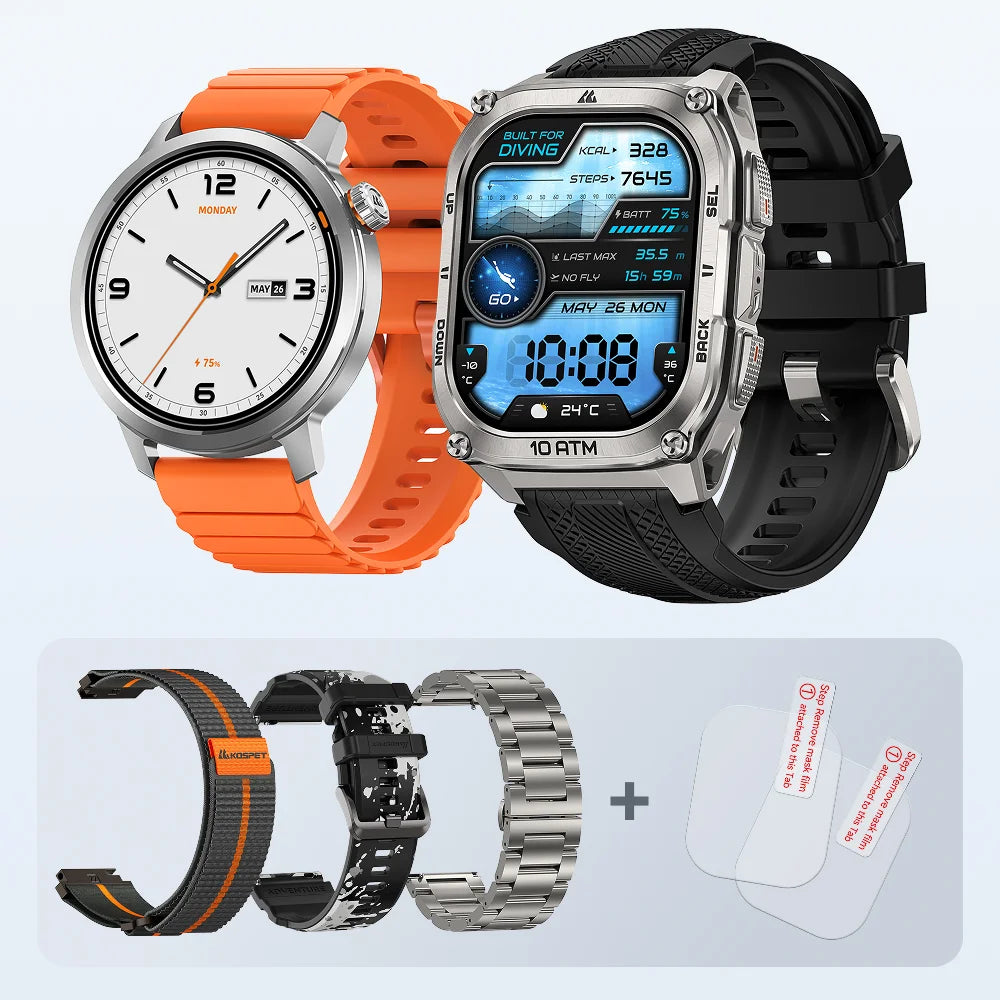
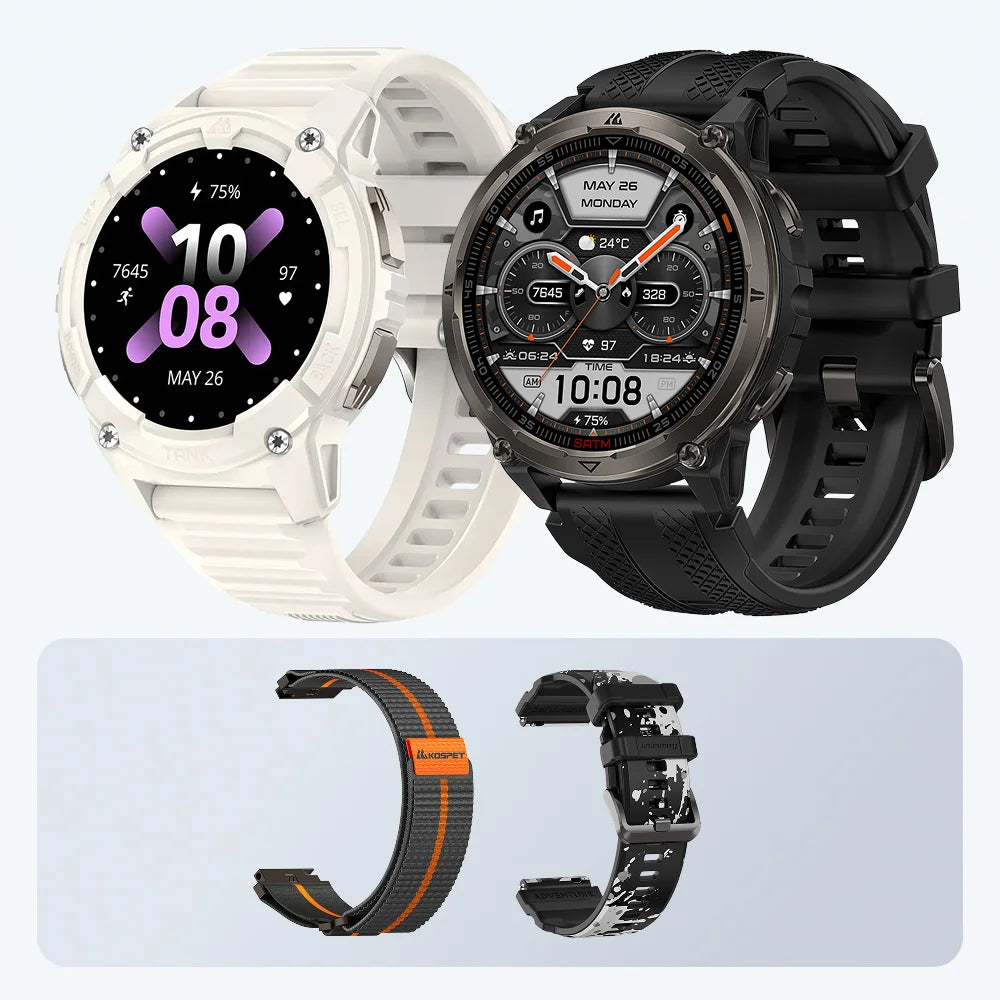
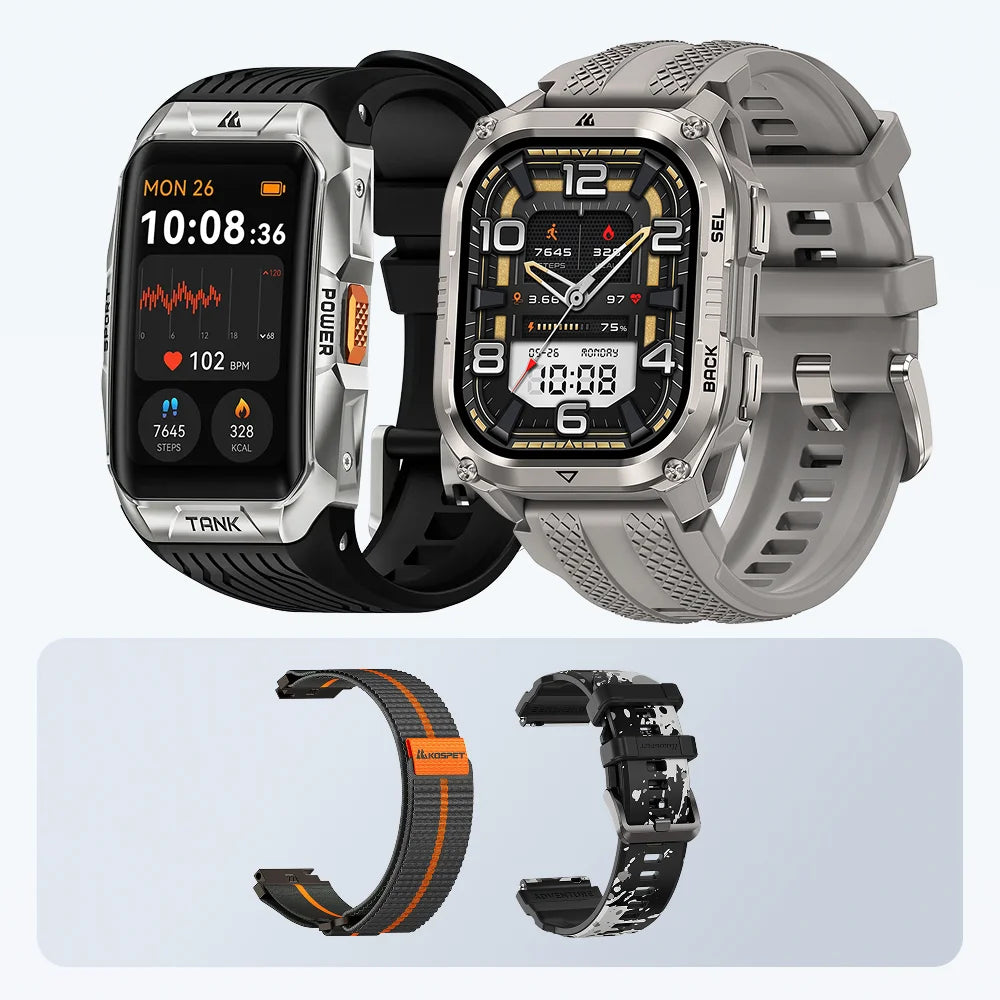
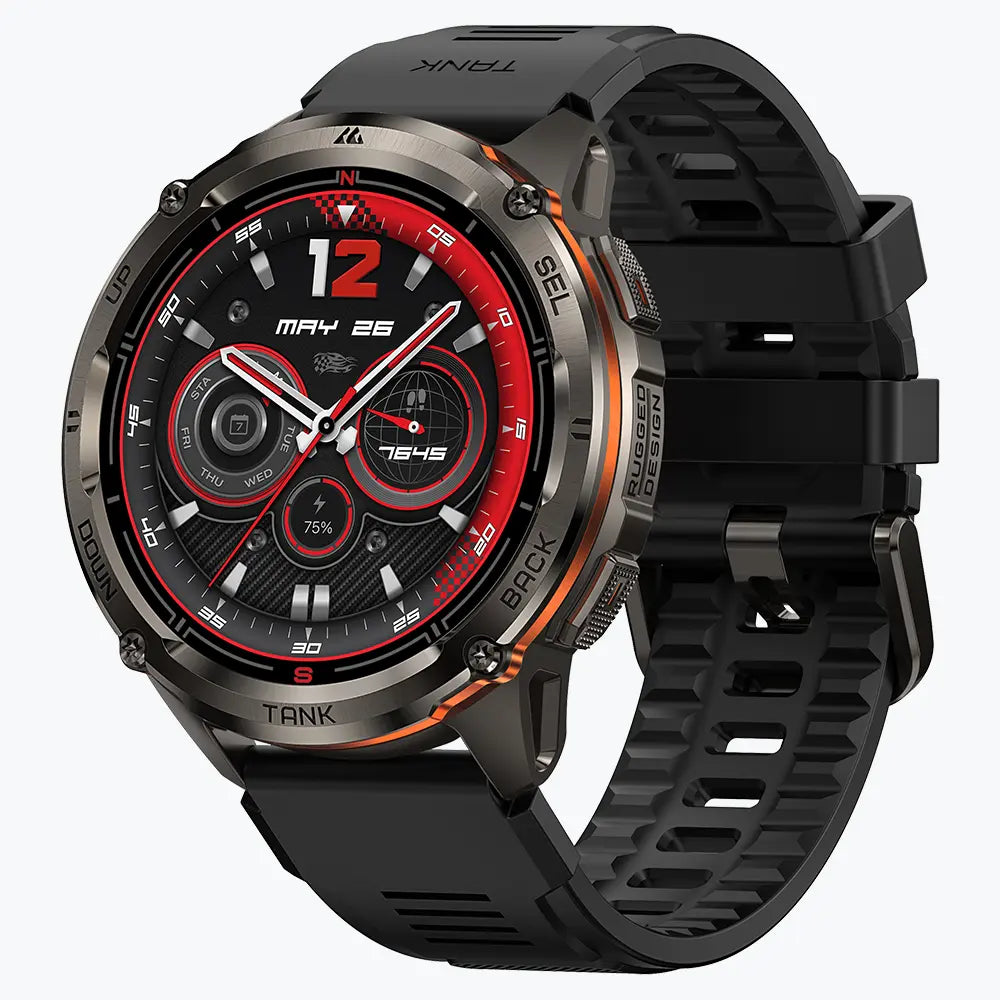
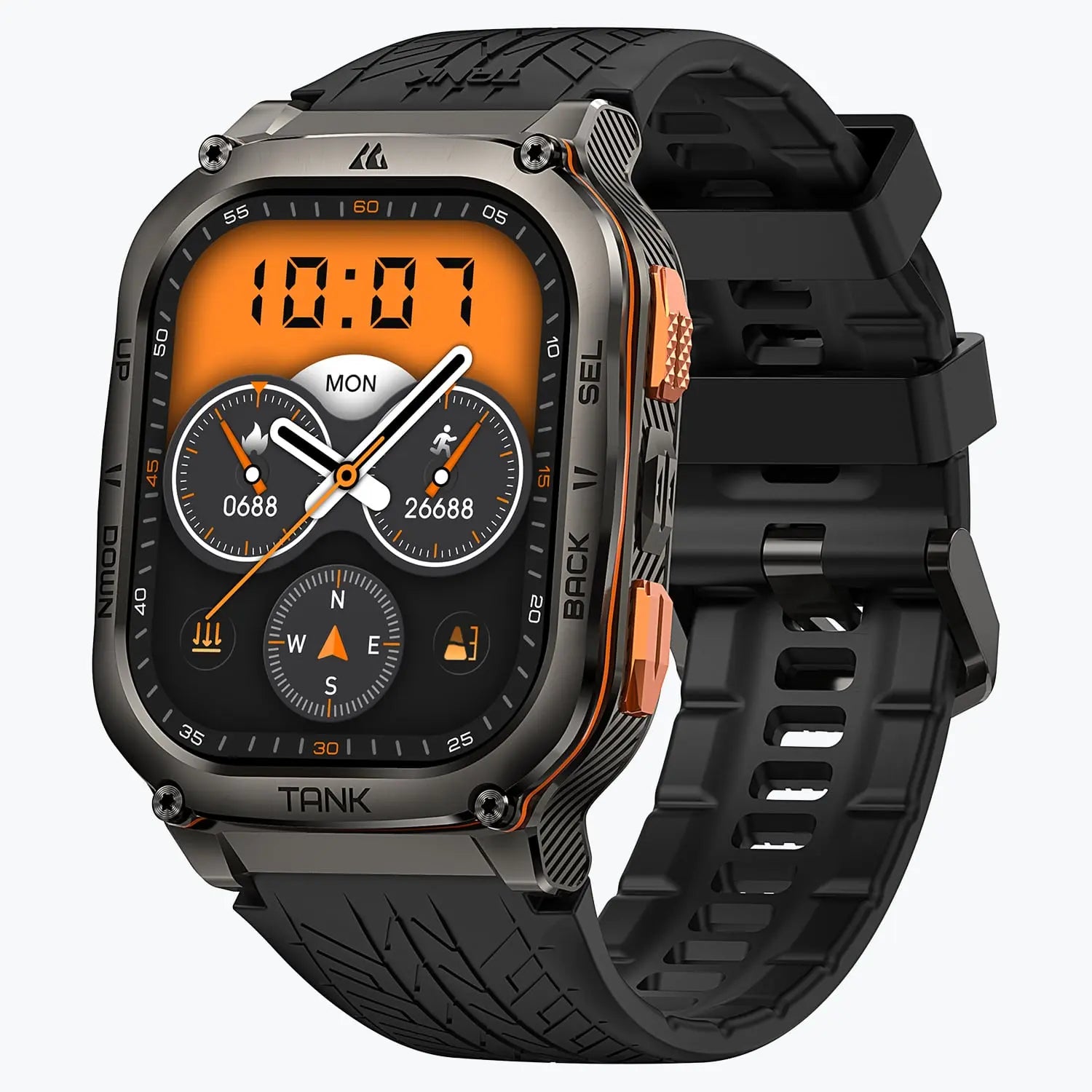
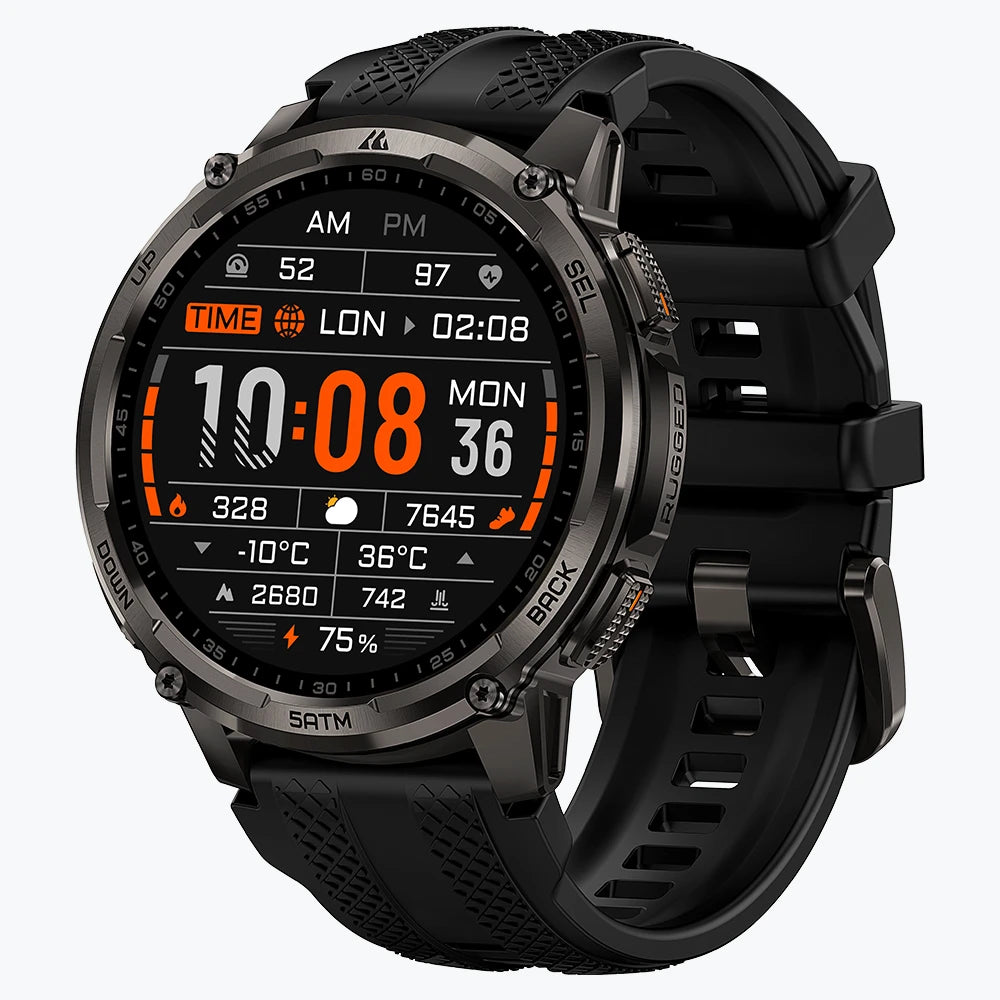
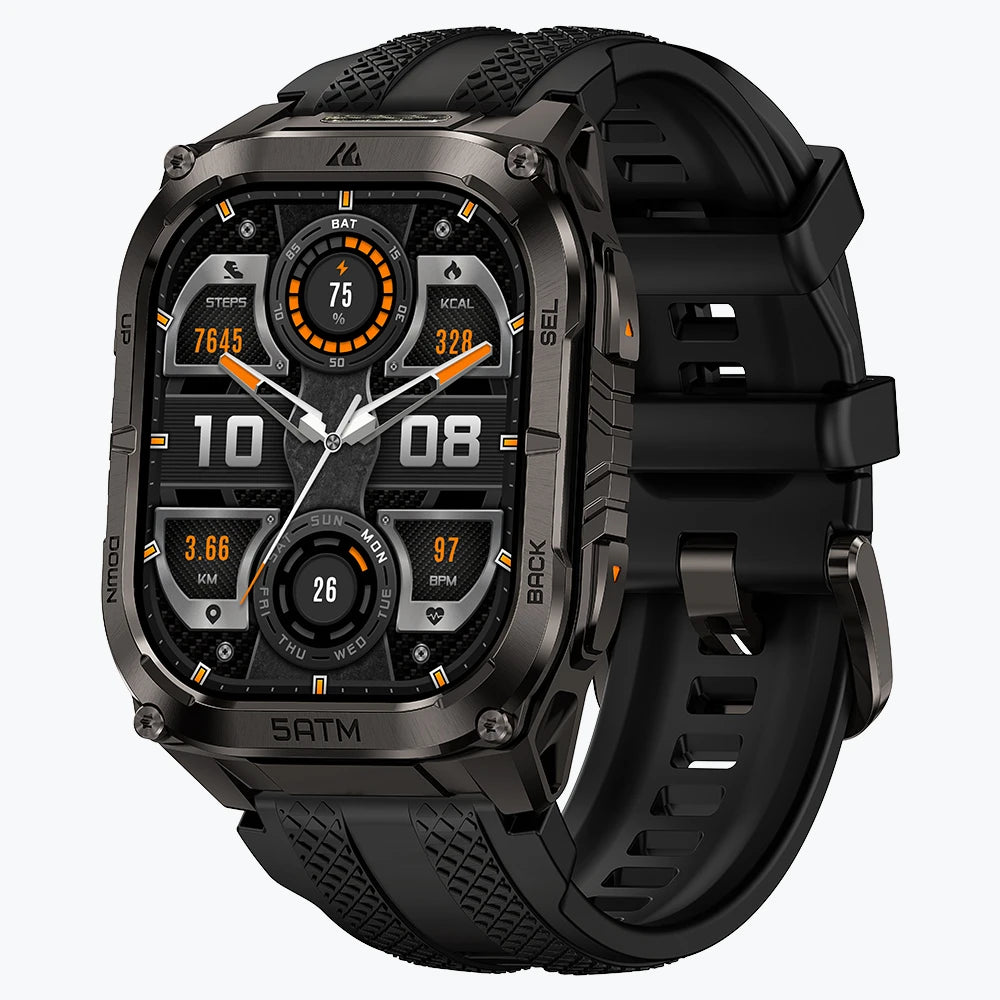


You cannot tell whether a smartwatch is waterproof from its appearance or a marketing label alone. The reliable way to check is to identify the exact smartwatch, find its official water-resistance rating, confirm that your planned activity is supported, and consider whether damage, repairs, or normal wear may have affected its seals.
Even a rated smartwatch is protected only under defined conditions. Before swimming, showering, or entering deeper water, use the following checks to understand what your smartwatch can safely handle.
Five Checks Before Getting Your Smartwatch Wet
| Check | What to verify | Why it matters |
|---|---|---|
| Identify the exact smartwatch | Confirm the full model name or model number | Similar-looking smartwatches can have different ratings and water-use limits |
| Find an official rating | Look for an ATM, IP, depth, or water-resistance statement | The word “waterproof” by itself does not define the level of protection |
| Read the usage instructions | Check whether swimming, open water, high-speed water sports, or diving are supported | A rating does not automatically approve every water activity |
| Review the smartwatch’s condition | Look for cracks, loose buttons, damaged seals, or recent impacts | Physical damage can weaken the original protection |
| Check its repair history | Confirm whether the screen, battery, or case has been opened | Water resistance may not be fully restored after a repair |
A clear answer requires all five checks. A high rating on the specification sheet cannot compensate for missing usage instructions or a damaged case.
Where to Find the Water-Resistance Rating
Start by confirming the exact model. Product families often contain several versions with similar names, and their water-resistance specifications may not be identical.
The model name or number may appear in several places:
- On the back of the smartwatch
- In the device settings
- In the connected mobile app
- On the original packaging
- In the user manual
For KOSPET smartwatches, model-specific documents are available through the KOSPET User Guide Download page.
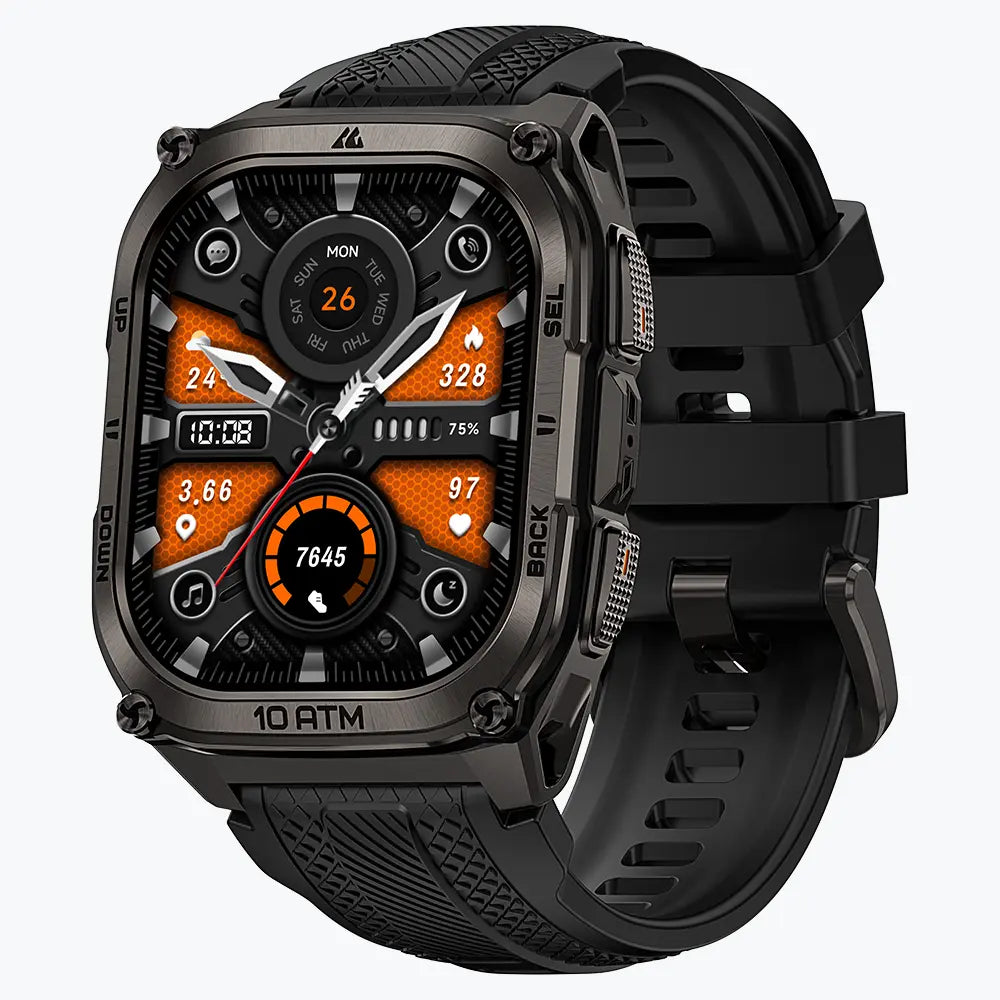
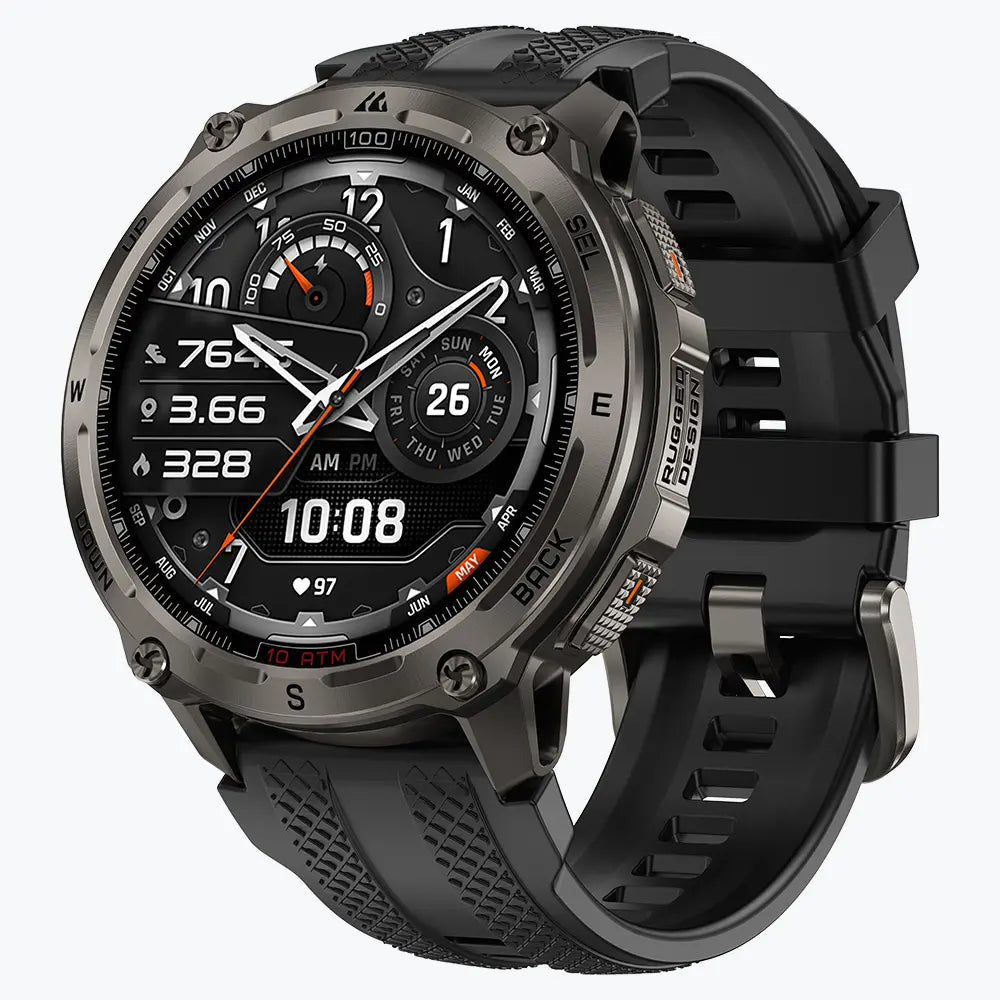
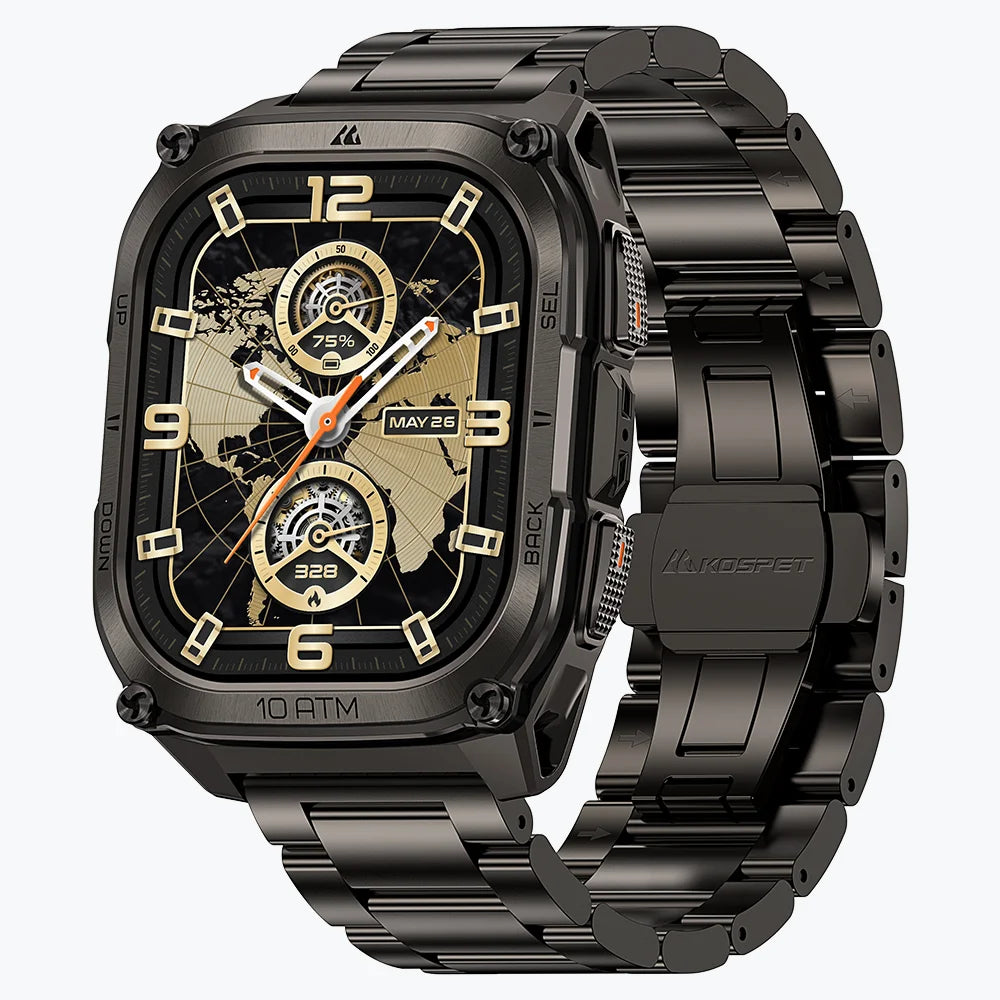
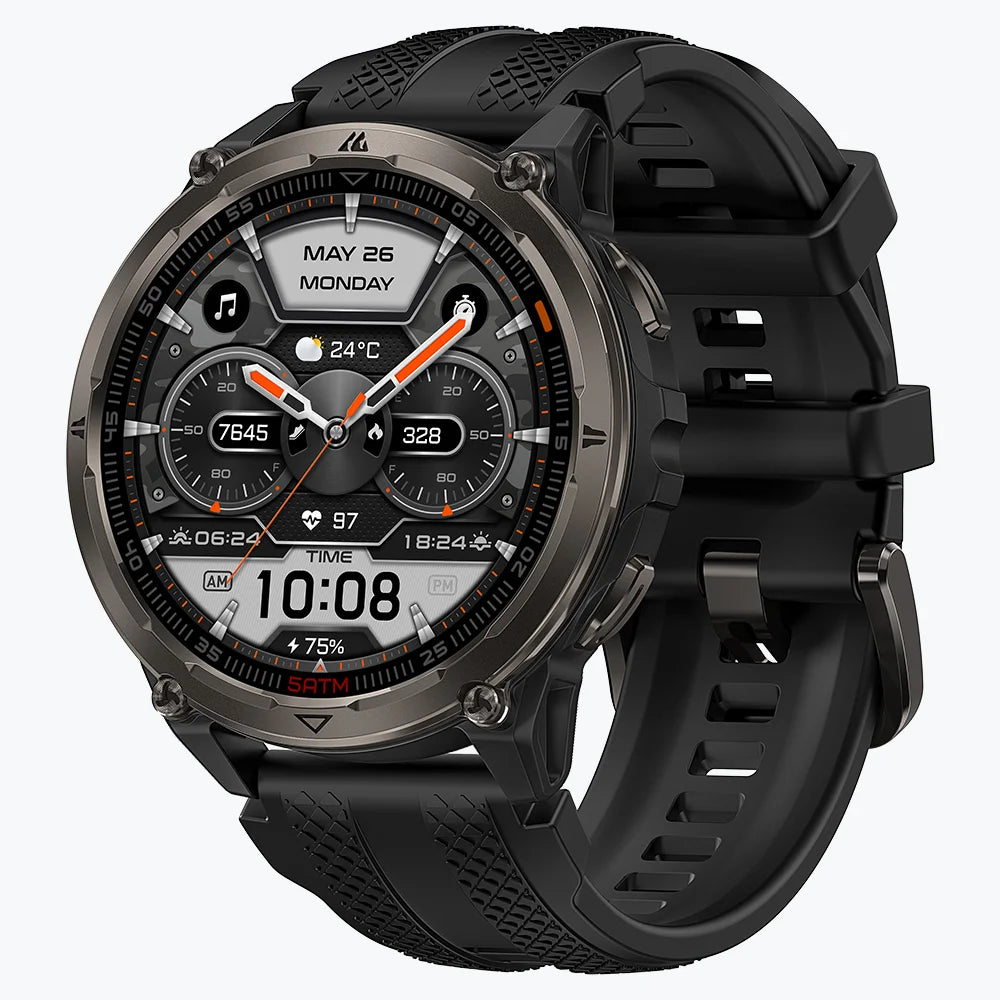
Next, look for a clear rating such as 5ATM, 10ATM, IP68, or IP69K. Some smartwatches display this information on the case, while others list it only in the technical specifications or manual.
Not every smartwatch displays its water-resistance rating on the case. When no rating is visible, check the official product page or user manual for the exact smartwatch. Keep it out of pools and open water when you cannot find a clear ATM or IP rating together with guidance for the activity you plan to do.
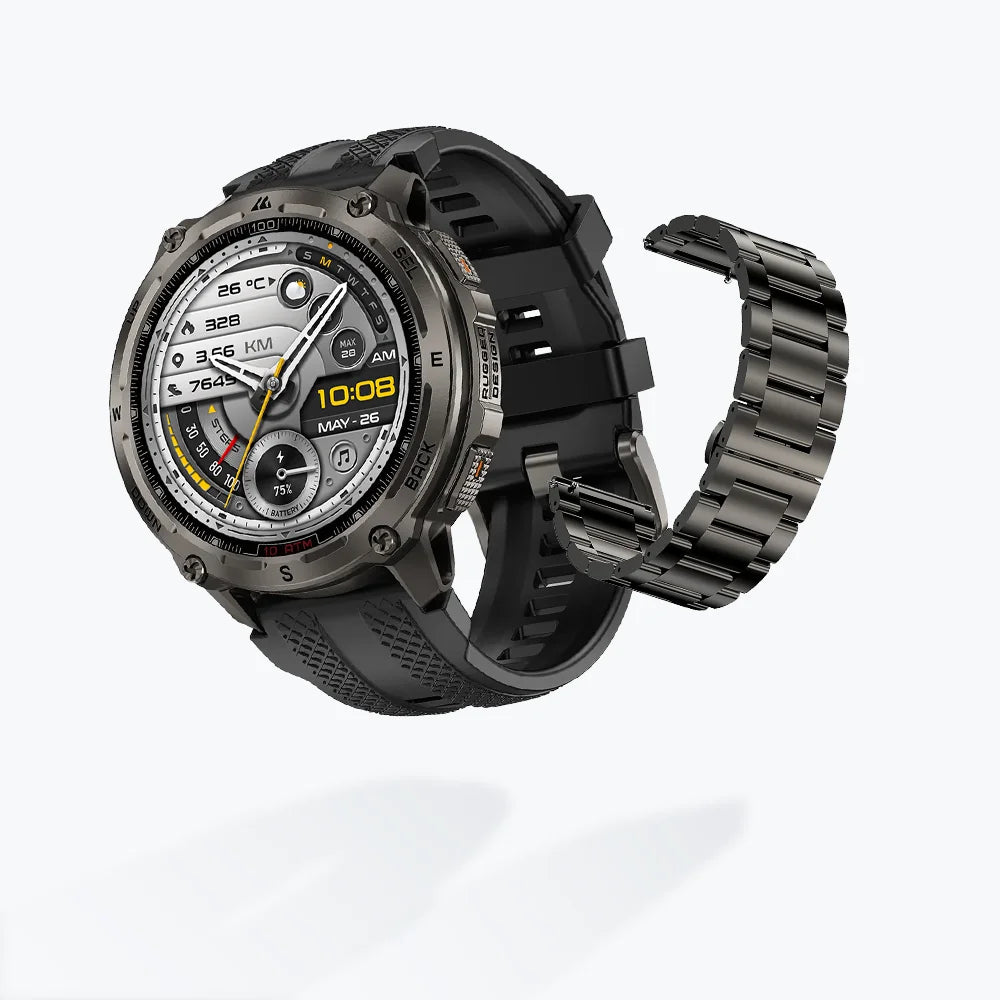
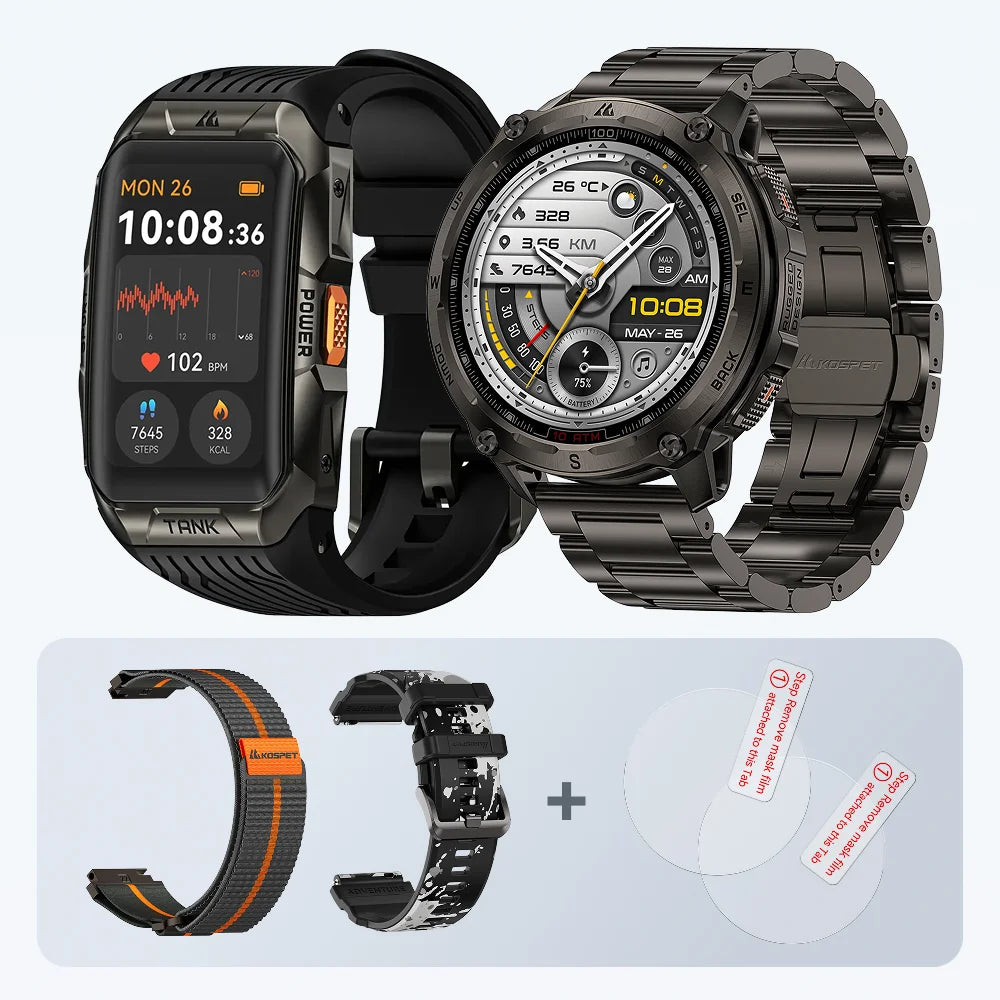
The rating usually applies to the smartwatch body, not necessarily to every strap or accessory. Leather, metal, and decorative bands may require different care even when the smartwatch itself supports swimming.
What a Water-Resistance Rating Can and Cannot Confirm
“Water-resistant” is more accurate than “waterproof” because every smartwatch has limits. The difference between waterproof and water-resistant smartwatches comes down to defined protection rather than an unlimited promise.
ATM and IP ratings describe different tests.
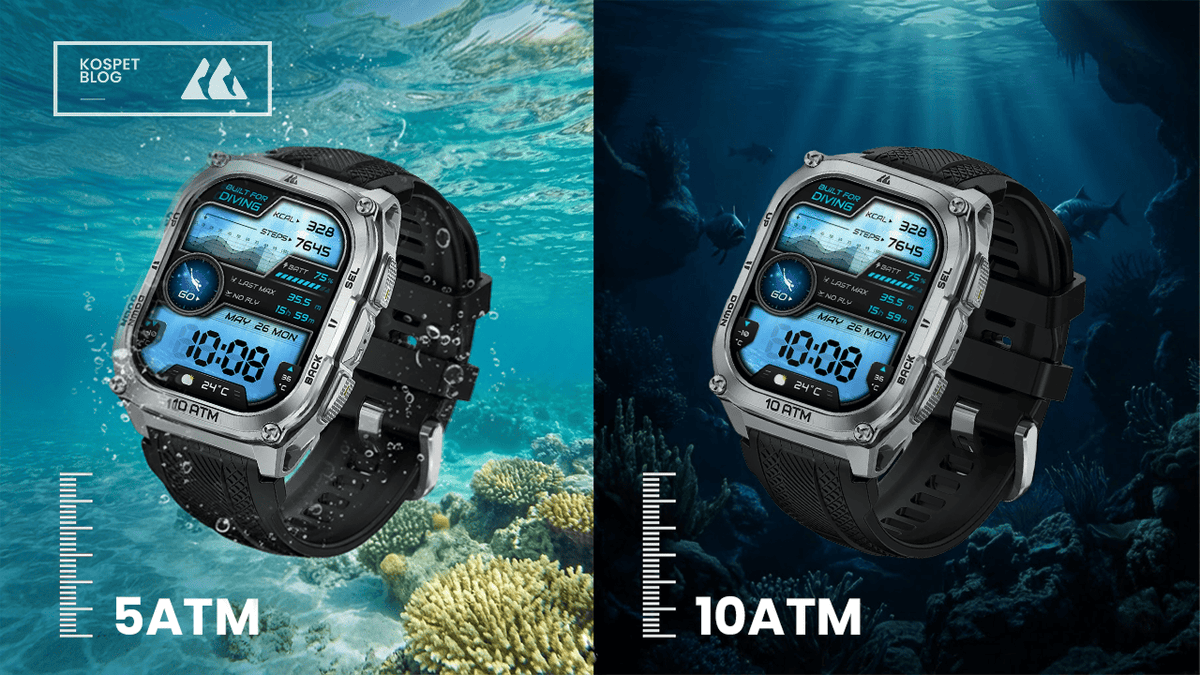
An ATM rating relates to resistance under specified water-pressure conditions. The depth commonly associated with the rating is not an automatic permission to use the smartwatch at that physical depth. Our guide to 5ATM and 10ATM water resistance explains how these ratings relate to swimming and more demanding water activities.
An IP rating describes protection against the entry of solids and water under particular test conditions. It does not, by itself, prove that a smartwatch is designed for repeated swimming, snorkeling, or diving. The separate comparison of IP68 and IP69K ratings explains what each test measures.
The rating gives you one part of the answer. The product instructions provide the practical boundary. Always follow the stricter of the two.
Can You Test a Smartwatch for Water Resistance at Home?
Putting a smartwatch in a glass, sink, or swimming pool is not a safe way to test it. A successful home immersion test only proves that water did not enter during that particular attempt. It cannot show how the smartwatch will respond to longer exposure, movement, changing pressure, salt water, or heat.
Home methods involving tissue paper, condensation checks, or improvised air-pressure tests are also unreliable. Some forms of water damage develop slowly and may not become visible immediately.
A visual inspection can reveal reasons to keep a smartwatch dry, including:
- A cracked or lifting screen
- Gaps between the display and case
- Loose or damaged buttons
- Corrosion around charging contacts
- Damage near the microphone or speaker
- A bent case or damaged back cover
A clean exterior does not confirm that the internal seals remain intact.
Professional testing may be available for some watches, but service policies vary by manufacturer and model. Certain smartwatches cannot be pressure-tested or resealed after production. Apple, for example, states that Apple Watch water resistance cannot be rechecked or resealed.
For a repaired smartwatch, ask the service provider whether the original water-resistance rating was restored. A general statement that the device was “sealed again” is not the same as confirmation that it still meets its original specification.
Is Your Smartwatch Safe for the Activity You Have Planned?
The safest decision comes from matching the official instructions to the exact activity, rather than relying on a single rating.
| Planned use | What to confirm before wearing the smartwatch |
|---|---|
| Rain and sweat | The official specifications allow everyday splashes, rain, and workout use |
| Hand washing | The smartwatch supports incidental water exposure, with soap and chemicals kept away from openings |
| Pool swimming | Swimming is specifically supported in the manual or product instructions |
| Open-water swimming | The smartwatch supports open water and includes appropriate saltwater care instructions |
| Showering | The instructions allow exposure to heat, steam, soap, shampoo, and running water |
| Surfing or high-speed water sports | High-velocity water exposure is specifically permitted |
| Snorkeling | The stated operating conditions cover the expected depth and activity |
| Freediving or scuba diving | The smartwatch provides a published operating-depth limit, dedicated dive functions, and detailed safety instructions |
Showering deserves particular caution. A swimming rating does not automatically account for hot water, steam, soap, or shampoo. Read the complete guidance on wearing a waterproof smartwatch in the shower before treating a swim-ready smartwatch as shower-safe.
Diving requires more than a high ATM number. A suitable device should publish its real operating-depth limit and provide features designed for the intended type of diving. KOSPET users can review the supported functions, limits, and safety information on the Diving with KOSPET page.
Water Lock or a water-drainage feature should not be treated as proof of stronger protection. These functions can prevent accidental screen touches or help remove water from a speaker, but they do not change the physical water-resistance rating of the case.
When the Original Rating May No Longer Be Reliable
Water resistance is not necessarily permanent. Gaskets, adhesives, buttons, speaker membranes, and case joints are affected by wear and physical stress over time.
A smartwatch deserves extra caution after:
- A hard drop or impact
- Cracking or separation around the display
- Damage to a button, crown, microphone, or speaker
- Screen, battery, or back-cover replacement
- Exposure to hot water, steam, detergents, solvents, or other chemicals
- Long-term use without any inspection
- Visible corrosion around the case or charging contacts
Normal operation does not prove that the seals are still working. A smartwatch can continue tracking workouts, receiving notifications, and charging normally while its protection against water has already weakened.
Repair history is especially important. Opening the case breaks the original sealing arrangement. The repaired smartwatch should be kept away from immersion unless the manufacturer or service provider clearly confirms the level of water resistance that remains.
Once the checks are complete, place the smartwatch into one of three categories:
- Approved: The exact activity is supported by the official instructions, and the smartwatch is in good condition.
- Not approved: The manufacturer excludes the activity or the rating does not cover it.
- Unverified: The model, specifications, condition, or repair status cannot be confirmed.
Treat an unverified smartwatch as unsuitable for immersion. Keeping it dry is safer than using water exposure to find out where its limit is.
FAQs
Can I Tell If a Smartwatch Is Waterproof by Looking at the Case?
The case may show an ATM, IP, or depth rating, but the marking does not confirm the current condition of the seals or whether a particular activity is supported. Check the exact model’s official specifications and user manual before exposing it to water.
Is It Safe to Test a Smartwatch by Putting It in Water?
No. A home immersion test can damage the smartwatch and does not confirm long-term water resistance. Use official product information, inspect the device for damage, and contact the manufacturer or an authorized service provider when its condition is uncertain.
Is a Smartwatch Still Water-Resistant After a Screen or Battery Repair?
Not necessarily. Opening the case can disturb the original seals and adhesives. Ask the repair provider whether the water-resistance rating was restored and what water exposure is safe after the repair.